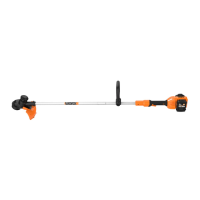
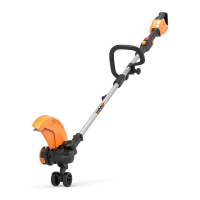
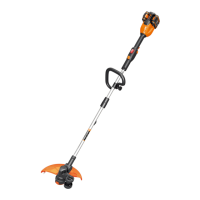
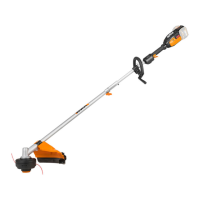
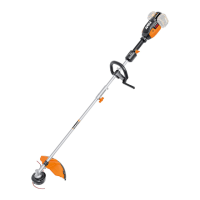
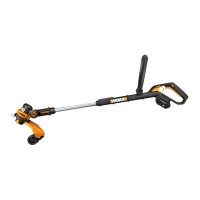
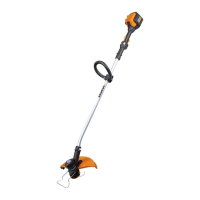
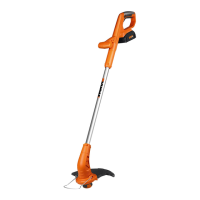
Cordless Grass Trimmer EN
13
its use is not adequately managed
WARNING: To be accurate, an estimation of
exposure level in the actual conditions of use should
also take account of all parts of the operating cycle such
as the times when the tool is switched off and when it
is running idle but not actually doing the job. This may
significantly reduce the exposure level over the total
working period.
Helping to minimise your vibration exposure risk.
ALWAYS use sharp chisels, drills and blades
Maintain this tool in accordance with these instructions
and keep well lubricated (where appropriate)
If the tool is to be used regularly then invest in anti
vibration accessories.
Plan your work schedule to spread any high vibration tool
use across a number of days.
ASSEMBLY & OPERATION
ACTION FIGURE
Assembly
Assembling the Trimmer Shaft See Fig. A
Assembling the Auxiliary Handle See Fig. B
Assembling the Safety Guard See Fig. C
Installing and Removing the
Battery Pack
NOTE:
• This machine will only run
when 2 batteries are installed.
It is recommended to use the
same two batteries and charge
the two batteries at the same
time.
• When you use two batteries
with different power, the
machine will only run to the
lower common denominator.
See Fig. D1,D2
Charging the battery pack
NOTE:
• The batteries are shipped
uncharged. Each battery must be
fully charged before the first use.
• Always fully charge the two
batteries at same time. More
details can be found in charger’s
manual.
See Fig. D3
Battery power indicator on the
machine
See details in BATTERY STATUS
section
See Fig. D4
OPERATION
On/Off Switch
WARNING! The cutting
head continues to rotate
after the trimmer has been
switched off; wait until it has
completely stopped then lay down
the tool.
See Fig. E
Trimming See Fig. F
-Adjusting the Auxiliary handle See Fig. G
Manually feeding the line See Fig. H
Removing the Cap See Fig. I
Cutting Head See Fig. J
Changing the line spool See Fig. K,L
Manually winding the line See Fig. M, N,O,P
BATTERY STATUS (See Fig. D4)
Before starting or after use, press the button beside
the power indicator light on the machine to check the
battery capacity. During operation, the battery capacity
will be indicated automatically by the battery power
indicator.
The indicator constantly senses and displays the battery
condition as follows.
For the machine with 2 battery packs with different
power, the power indicator light displays the battery
condition with the lower one of the two batteries.
Battery power
indicator status
Battery condition
Five green lights
( ) are
illuminated.
The two batteries are in a highly
charged condition.
Two, three or four
green lights are
illuminated.
The two batteries have a
remaining charge. The more lights
are illuminated, the more battery
capacity.
Only one green
light ( )
is illuminated.
At least one battery is almost
depleted and needs to be
charged.
No light is
illuminated.
At least one battery is not fully
installed or battery may be
defective.
Only one light is
flashing twice per
cycle.
At least one battery is over
discharged (please refer to
the battery charge condition),
please recharge the two
batteries at once before use
again or storage.
Only one light is
flashing three
times per cycle.
At least one battery is hot, wait
for them cool down before start
again.
Only one light is
flashing four times
per cycle.
The machine is over load. Raise
the cutting height or push
slowly.


 To Next Page
 Loading...