2
Importantbatteryinformation
• Use only fresh batteries of the required size and recommended type.
• Do not mix old and new batteries, different types of batteries [standard
(Carbon-Zinc), Alkaline or rechargeable] or rechargeable batteries of
different capacities.
• Rechargeable batteries are only to be charged under adult supervision.
• Respect the correct polarity, (+) and (-) as indicated.
• Do not try to recharge non-rechargeable batteries.
• Do not dispose of batteries in re. Batteries might explode or leak.
• Replace all batteries of the same type/brand at the same time.
• The supply terminals are not to be short-circuited.
• Remove exhausted batteries from the toy.
• Batteries should be replaced by adults.
• Remove batteries if the toy is not going to be played with for some time.
• Rechargeable batteries are to be removed from Robopanda before being
charged.
QUICK START
Batterydetails
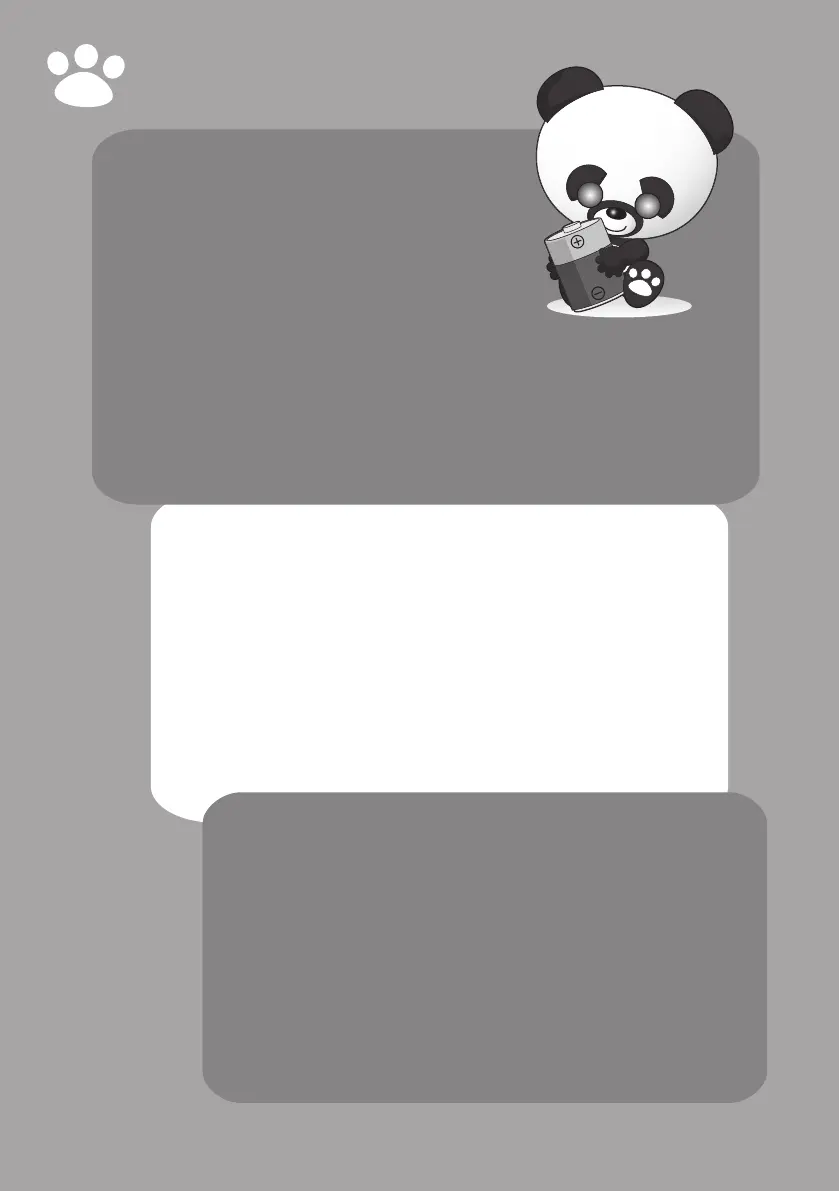
Robopanda uses 6 x “C” and 4 x “AA” alkaline batteries
(not included).
We recommend using good quality alkaline batteries.
Batteryinstallation
Robopanda shows you when it is time to change his batteries.
Robopanda’s eyes will begin to blink when his “AA” batteries are running low,
and he will eventually go to sleep if you continue to play with him without
replacing the 4 x “AA” batteries.
If the “C” batteries begin to run low, the light on Robopanda’s chest will blink
and you will need to change all 6 x “C” batteries.
NOTE: Remove any batteries in Robopanda if he is not going to be played
with frequently.
Importantsafetyinformation
Take note of the following when operating Robopanda:
• Robopanda should be placed either on the oor or on a large at surface from which
he is not likely to fall.
• When switching Robopanda on, avoid touching the sensors on the back of his neck
or on either of his armpits. Doing so might inhibit his safety sensors from properly
detecting responses.
• To avoid injury, be careful when turning him off; once you turn him off, his limbs
might become limp and he might fall forwards.
• Avoid putting articles of clothing on him as it might inhibit the proper functioning
of his sensors as well as his limbs.
• Do not immerse Robopanda or any parts of him in water or any other form of liquid.
• Do not drop, throw, or kick Robopanda as this might damage his mechanical
functions.
• Make sure he is in a rm sitting or standing position when you switch on
Robopanda. If not he might fall over when you turn him on.
• If Robopanda performs an expected function, turn him off and then on again to
reset him.



 To Next Page