Wren V5AP User Manual
12
Using a Mac or Windows Computer
Connect to your network — Option B (cont.)
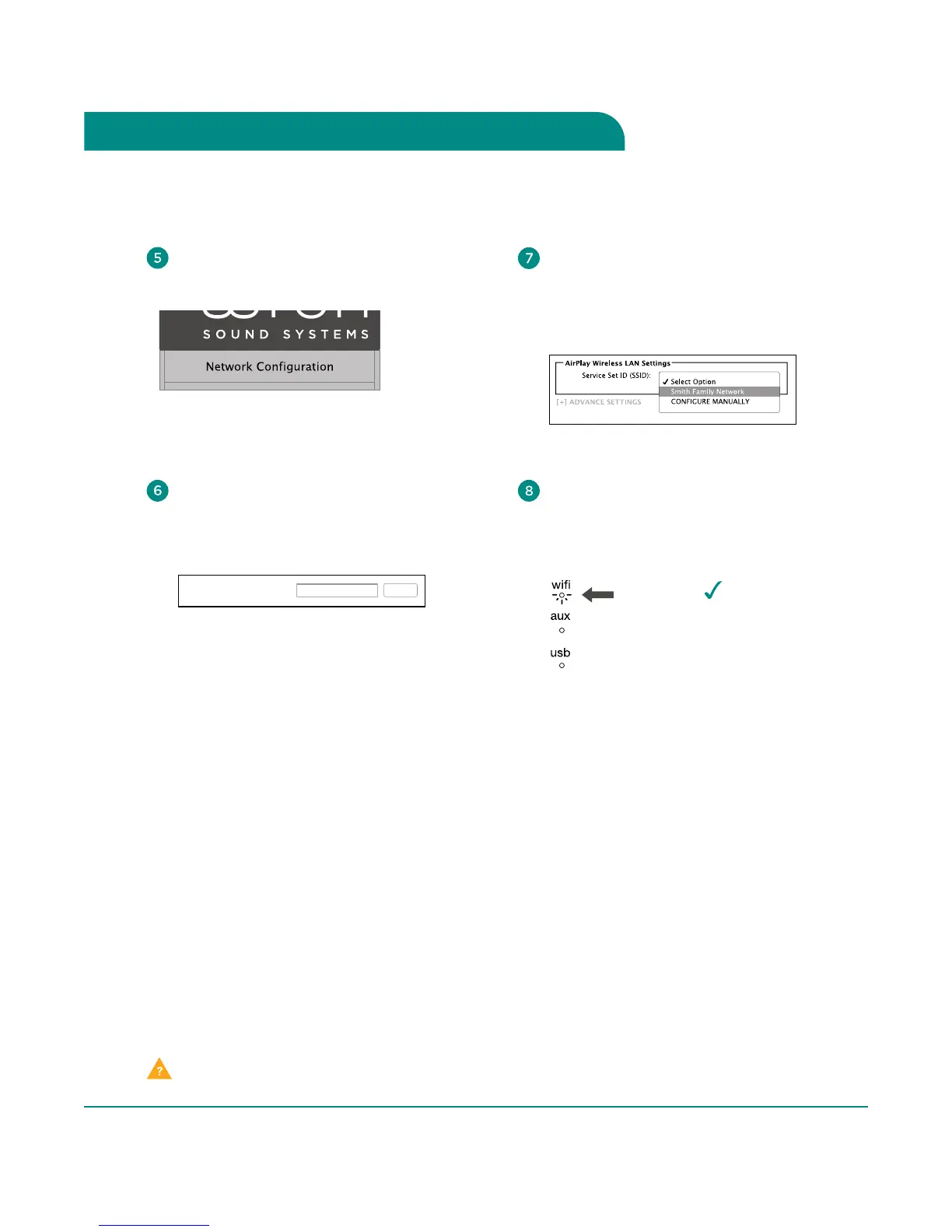
When connection is complete, the
WiFi indicator on your Wren V5AP
will change to solid white indicating
AirPlay is connected to your network
and ready to use.
In the menu on the left of screen, choose
“Network Configuration.”
You can enter a name for your speaker in
the AirPlay Device Name space and click
“Apply.” The default will be “Wren_V5”
followed by a unique identifying number.
AirPlay Device Name: Apply
Wren_V5 2C9D37
Select your WiFi network from the
list of available networks and click
“Join Network.” If your network requires
a password, enter it in the Service Set ID
(SSID) space and click “Apply.”
Congratulations!
Your Wren V5AP is
now ready to use as
an AirPlay device!
solid
white
Please Note: You may need to reconnect your computer to your preferred wireless network after this setup process.
Problem connecting? Visit wrensound.com/support for additional help.



 To Next Page