Wren V5AP User Manual
15
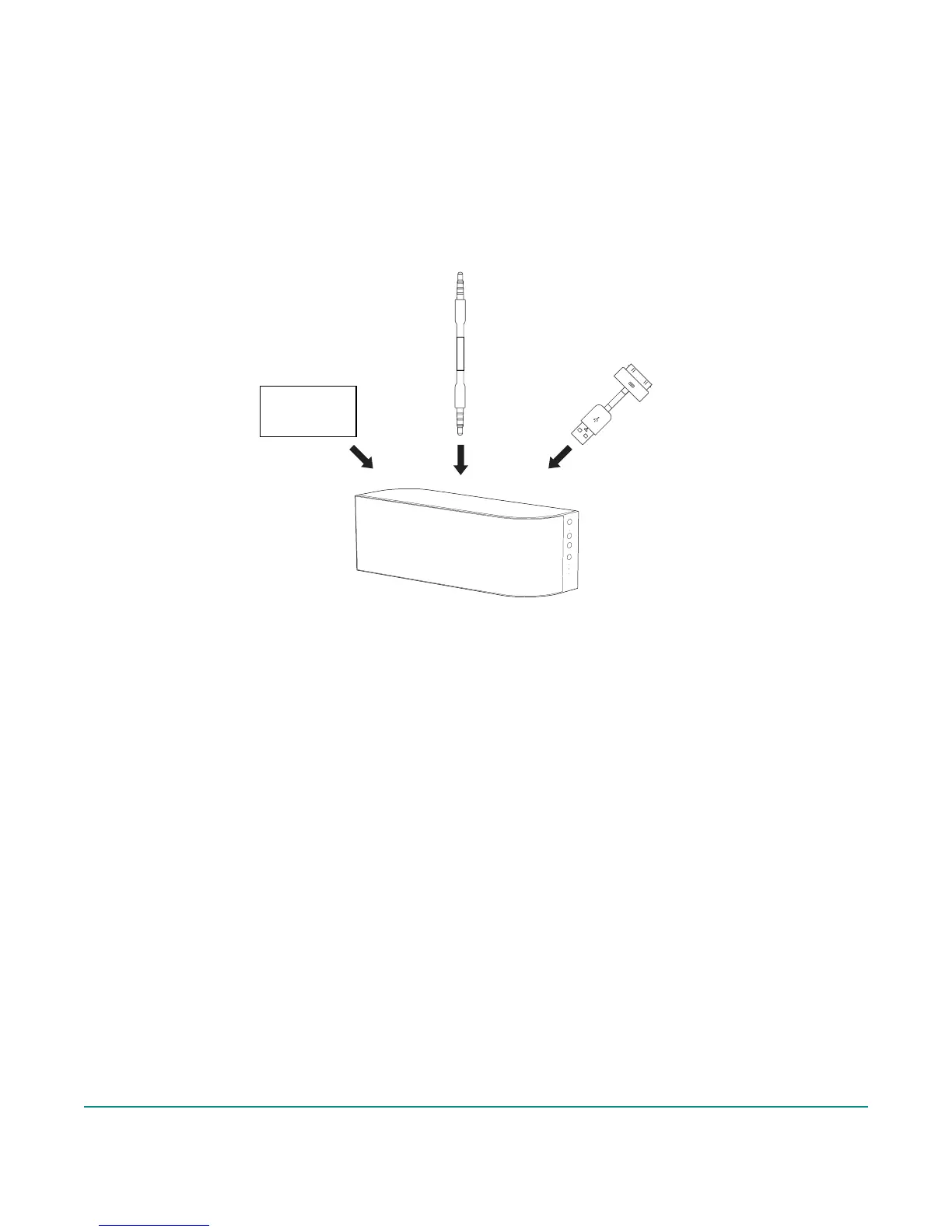
Pressing the Source button will toggle between WiFi (AirPlay), AUX IN, and USB inputs.
When AirPlay input is selected:
• WiFi indicator will be white indicating that AirPlay is connected and working properly.
• WiFi indicator will be solid amber for failed network connection or other errors.
(Please see network setup instructions section.)
• WiFi indicator will blink amber when in network setup modes.
When 3.5mm analog input is selected:
• AUX indicator will be white.
When USB input is selected:
• USB indicator will be white. In this mode you can play audio from an iPod, iPhone, or iPad over
an Apple dock connector and charge the battery of the device. This is a great way to listen
to your Apple devices when a network connection is not available. (Note: USB port is not
compatible with all iPods or with non-Apple USB audio devices. See the compatibility section
for a list of compatible iPods, iPhones and iPads.)
Using Your Wren V5AP: Input Source
OR OR
iDevice



 To Next Page