Wren V5AP User Manual
5
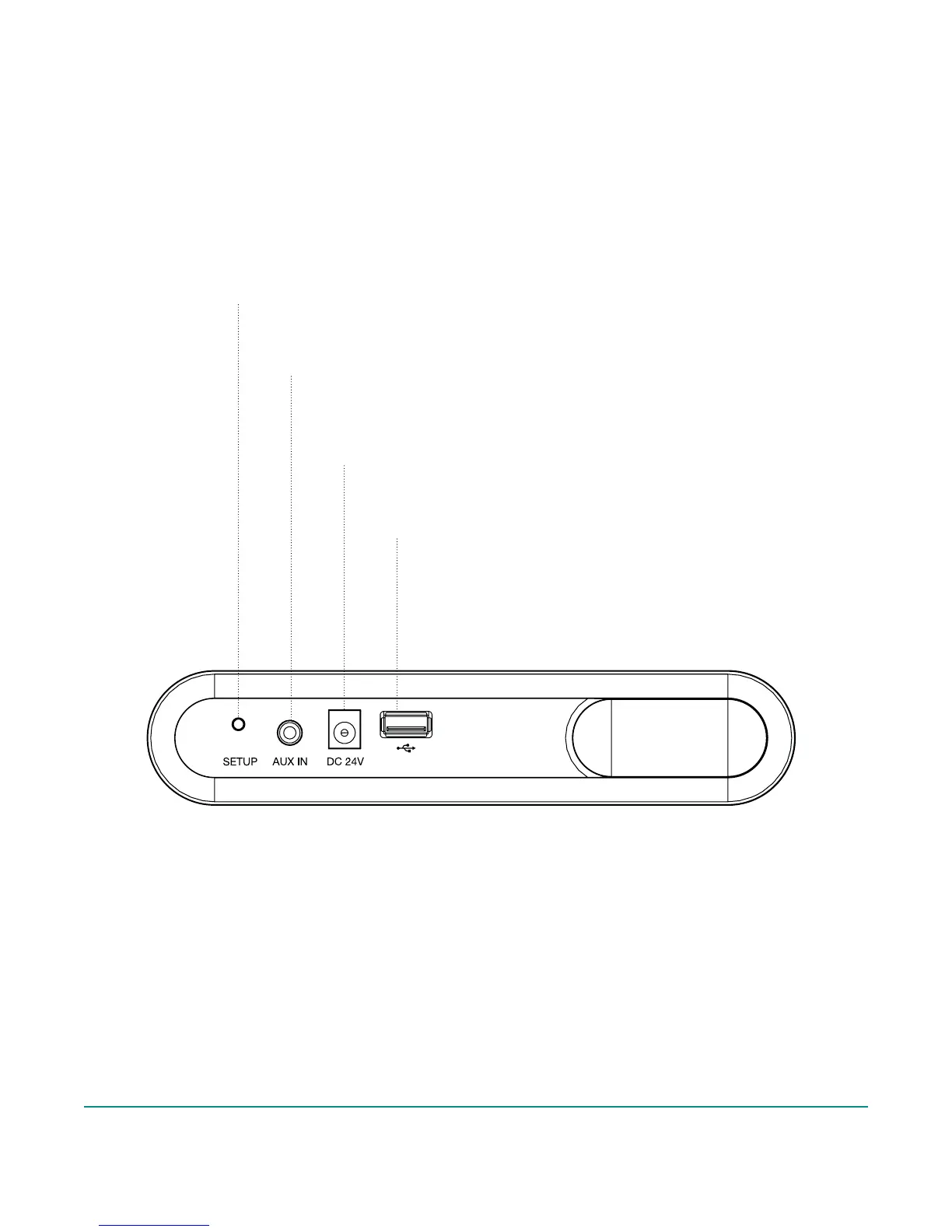
Wren V5AP Controls: Connections
Setup Button
Used to enter various setup modes
3.5mm Aux Input
Connects any audio source to your
Wren V5AP via a 3.5mm audio cable
Power Supply Input
Connects to the power supply
USB/iPod Docking Port
Charges iDevices, transfers
WiFi settings, and plays digital
audio from select iDevices



 To Next Page