Page.103.
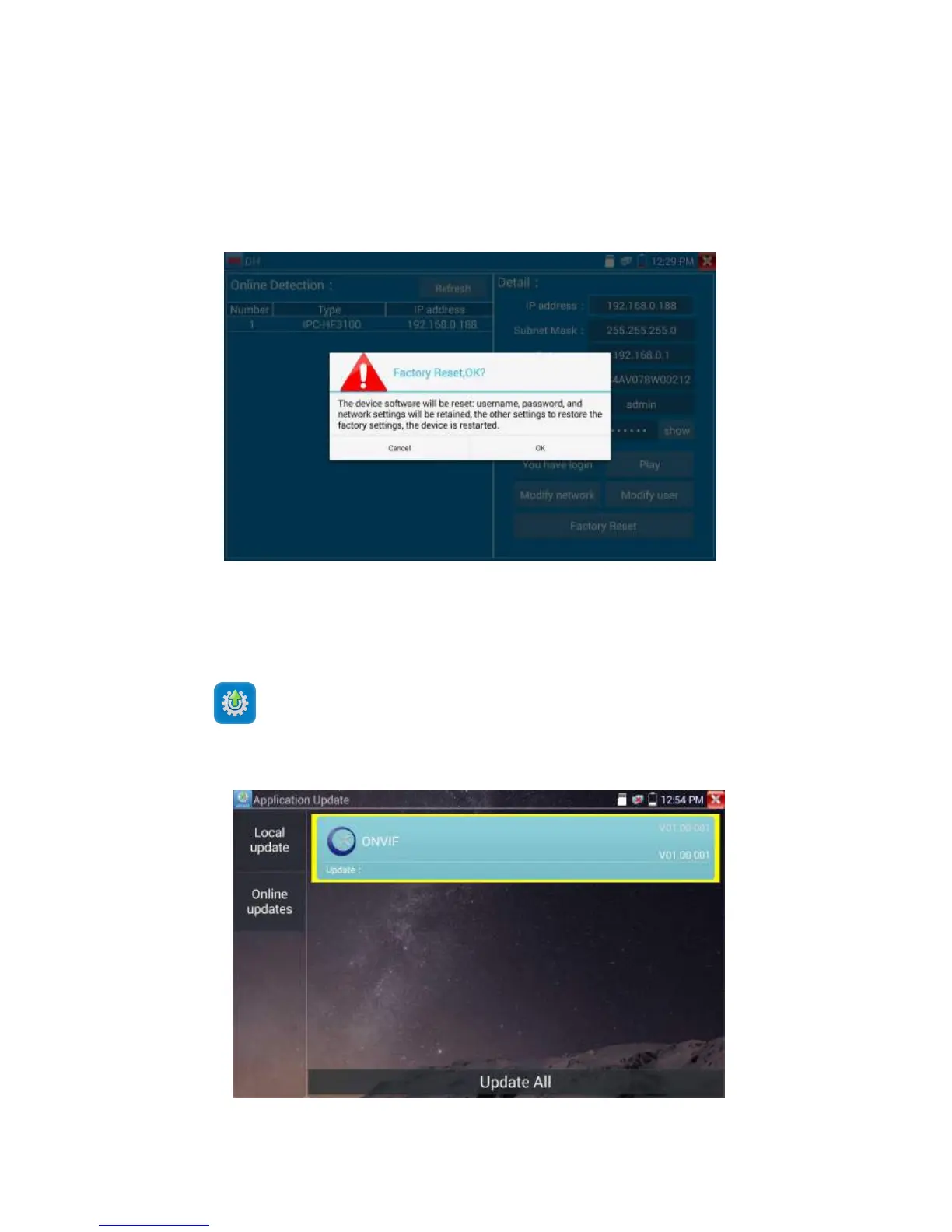
Factory reset setting: camera will be soft reset, and the device’s user name, password and network set
be saved. Other settings information is factory reset.
Copy the downloaded update file to SD card "update" directory, if no directory, please create one.
Click the icon to open the Update menu. Select “Local Update” to update via the SD card or
select “Online Update” to check for updates on the internet. If there are applications that need updating,
the applications will be displayed on the


 To Next Page