Page.72.
Application:
Add an IP camera or other network device to the current network group, the new IP address must not be
occupied, otherwise it will result IP conflicts and stop the equipment normal working. Link monitor can
check if the new setting IP address is occupied.
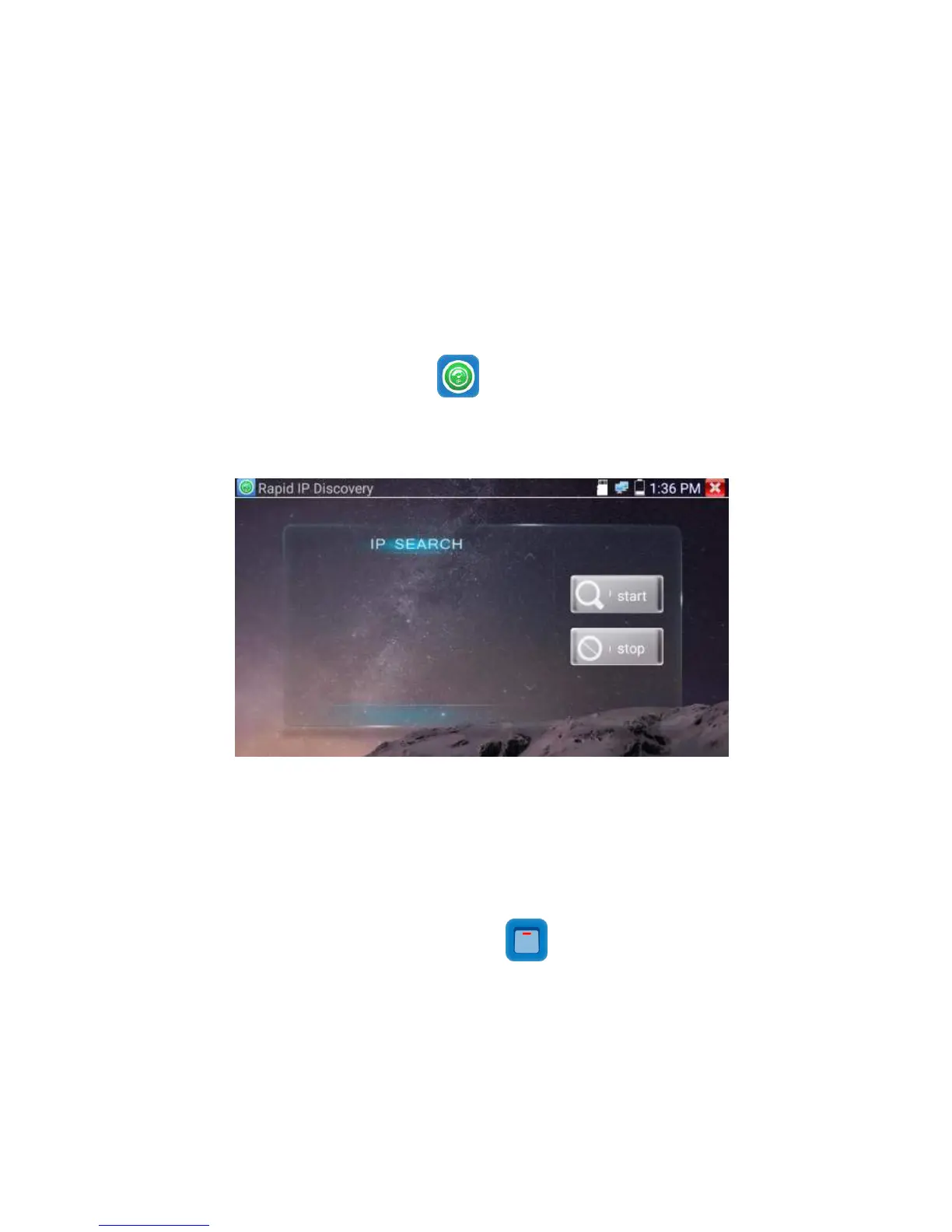
Connect the cable to tester’s LAN port. Press to enter Rapid IP Discovery app.
Click “Start “to search all IP address of connected equipments in whole network segment.
Click “Stop “to stop work.
When the tester is turned on, the DC12V and DC5V power output functions are automatically turned on.
If the IP tester is turned off, the 5VDC USB can still be used to power an external USB device.
To use the PoE Power Output function, click on the icon and change the switch “ON” or “OFF”.
The IP camera needs to be connected to the LAN port before you turn PoE Power on. If the IP camera
Supports PoE, the PoE power is delivered via pins 1, 2, 3, and 6 on the LAN port. The IP tester will
display “48V ON” at the top of the screen when the POE power is still on.


 To Next Page