Page.36.
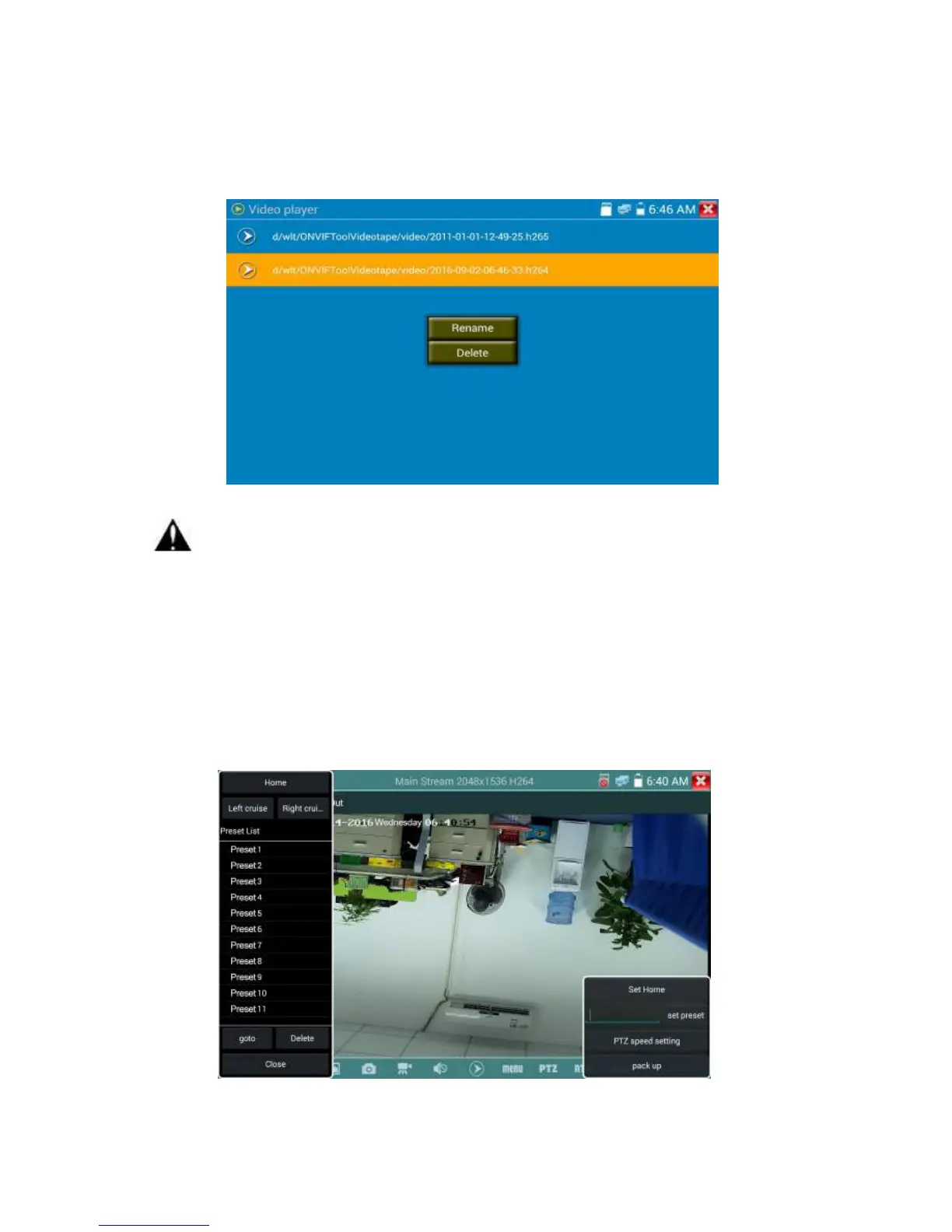
To rename or delete a photo, click and hold on the file until this screen appears:
Video files can play in the Video player on the main menu.
PTZ
Set preset position :Move the camera to preset position, enter the preset number on the Bottom right
corner to complete position preset.
Call the preset position : Select the preset number on the left, click "Call"to call preset


 To Next Page