Page.56.
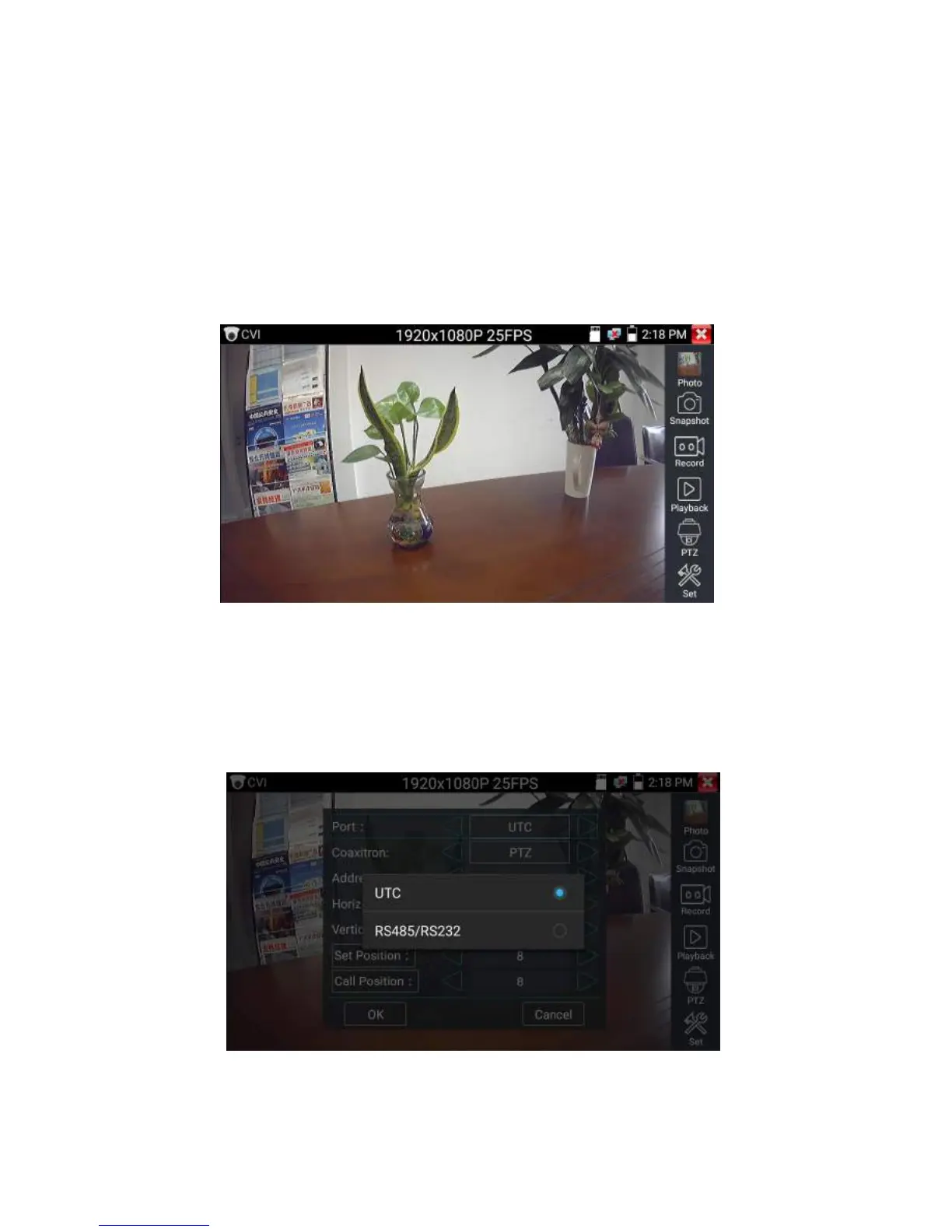
When HD CVI signal input, the tester will display the image resolution on the top bar. Double-taps on
the screen to make the image displayed full screen.
The tester supports resolution as follows
1280x720P 25FPS / 1280x720P 30FPS / 1280x720P 50FPS / 1280x720P 60FPS
1920x1080P 25FPS / 1920x1080P 30FPS
(1)PTZ control
1.1 Coaxial PTZ control
Click the icon“PTZ”on the right toolbar to do the corresponding setting.
“Port”: select coaxial control


 To Next Page