Page.62.
1280x720P 25FPS / 1280x720P30FPS / 1280x720P 50FPS / 1280x720P 60FPS
1920x1080P 25FPS / 1920x1080P 30FPS / 1920x1080P 50FPS / 1920x1080P 60FPS
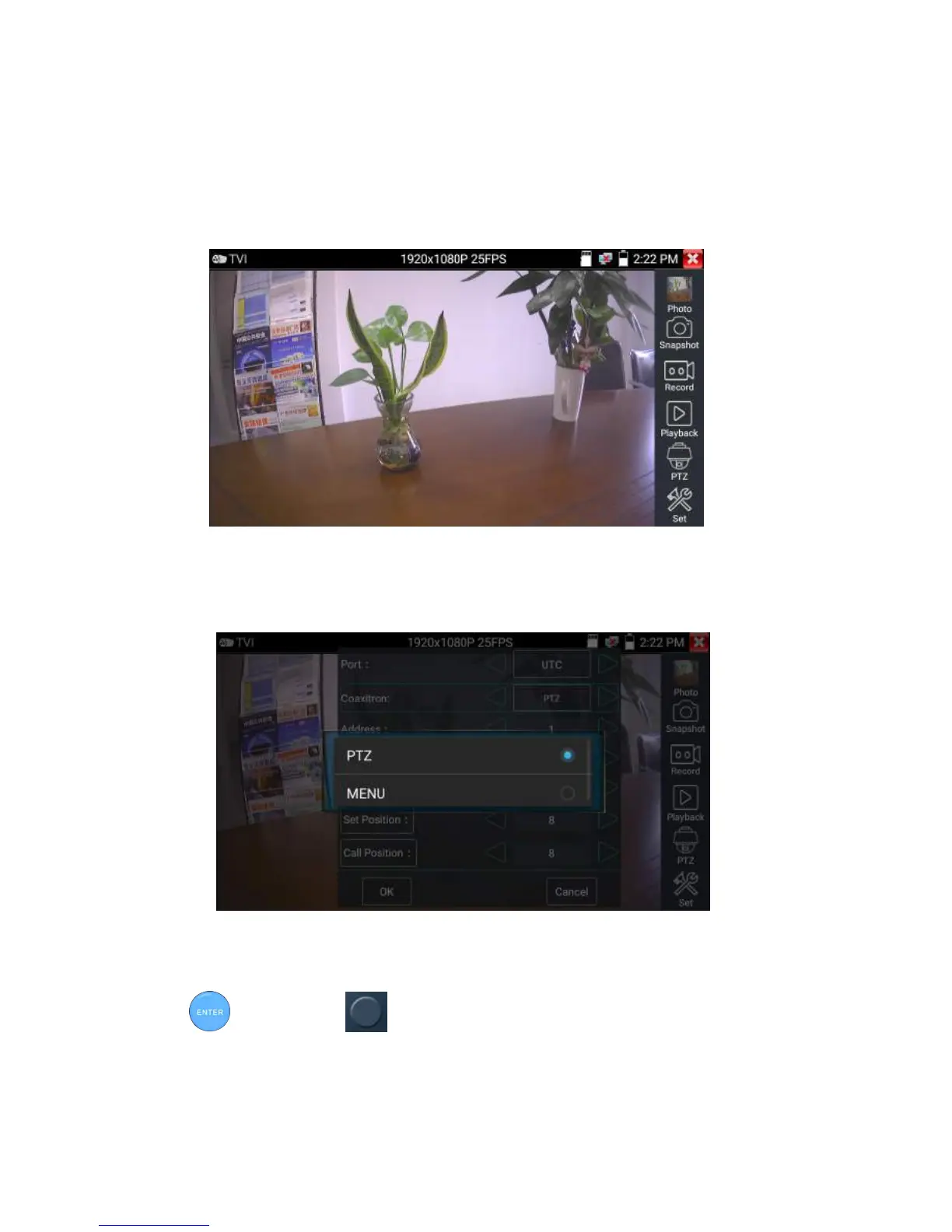
Coaxial camera menu settings
Tap icon “UTC”, select “menu setting” to enter the dome camera menu
Input calling dome camera menu address code, after finishing the parameter settings, you can press the
key or click the icon to call the dome camera menu


 To Next Page