Multi 340i Operation
15
4 Operation
4.1 Switching on the measuring instrument
Measuring mode when
switching on
Note
The measuring instrument has an energy saving feature to avoid un-
necessary battery depletion. The energy saving feature switches the
measuring instrument off if no key has been pressed for an hour.
The energy saving feature is not active
l if the power is supplied by the plug-in power supply,
l if the AutoStore function is active,
l if the communication cable and a PC with a running communication
program are connected,
l if the printer cable is connected (for external printers).
AutoRange measure-
ment range selection
There are several measuring ranges available for both oxygen and
conductivity measurements. As a rule, the measuring instrument is in
the measuring range with the highest possible resolution. If a measur-
ing range is exceeded, AutoRange causes the measuring instrument to
change automatically to the next higher measuring range.
The AutoRange function is always active with oxygen and conductivity
measurements and cannot be switched off.
Note
The measuring ranges for oxygen and conductivity measurements can
be found in chapter 7 T
ECHNICAL DATA.
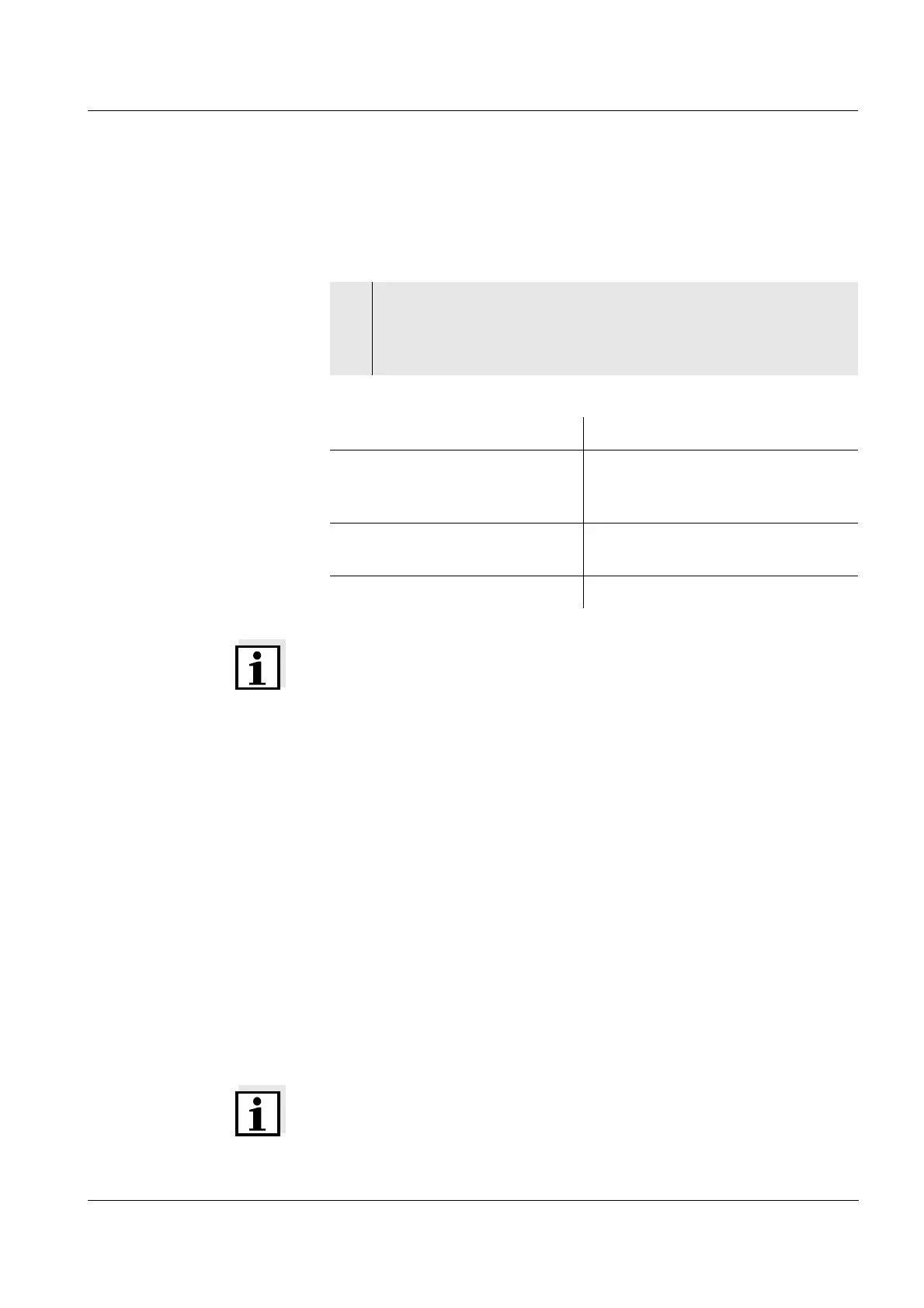
1 Press the <ON/OFF> key.
The display test appears briefly on the display.
After this, the measuring instrument automatically switches to
the measuring mode.
Connected sensor Measuring mode
No sensor or pH/ORP electrode pH or ORP measurement (de-
pending on the last selected set-
ting)
D. O. probe or conductivity mea-
suring cell
Last selected measuring mode
2 sensors of any type Last selected measuring mode













 To Next Page