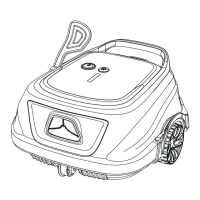
Run your new WYBOT S2(WY210C)
05 06
Note:
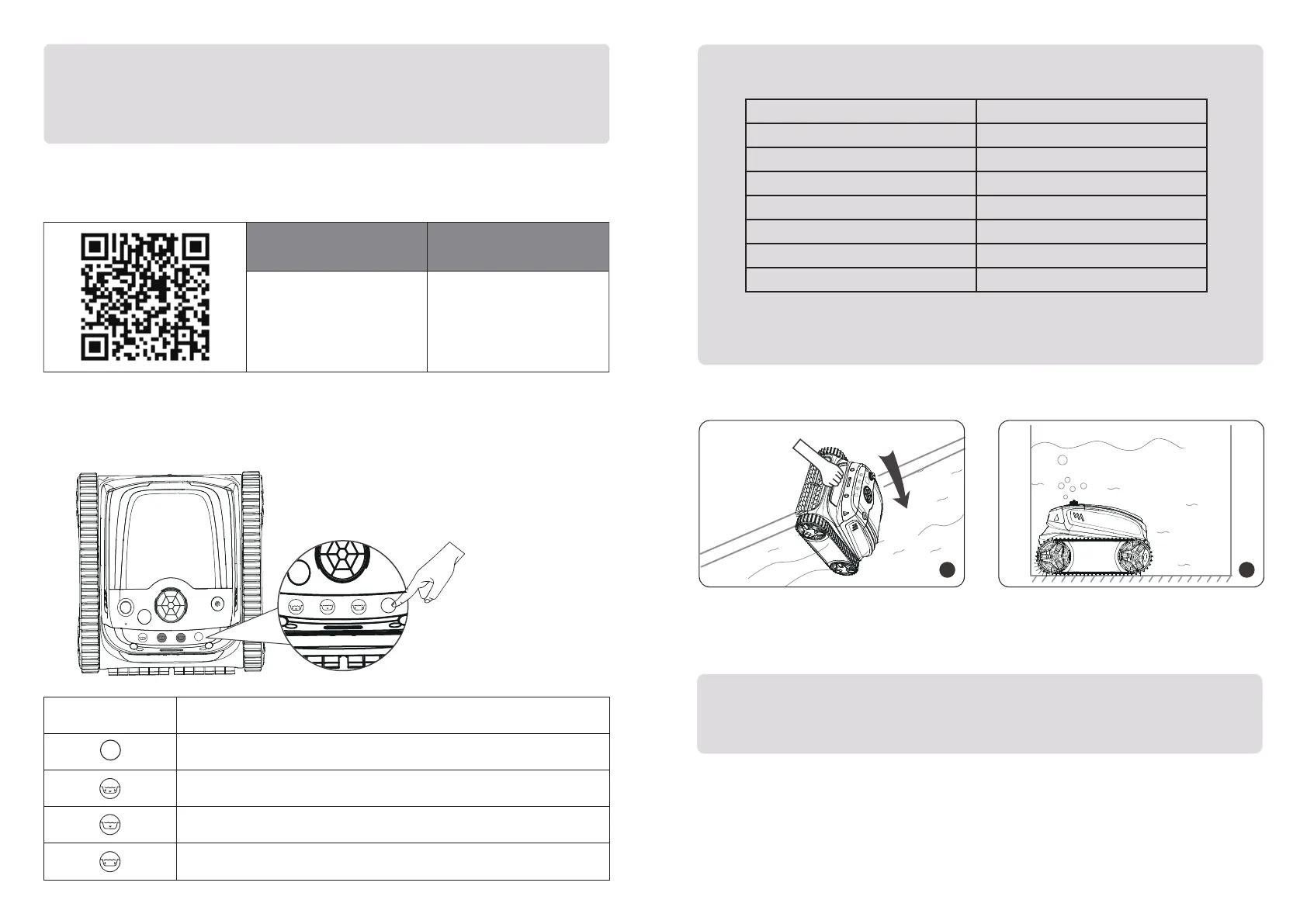
You can download the WYBOT App to your smart mobile device by scanning QR code
below, or from Google Play or App Store.
Connect to your App
Note:
1. When yellow lights flash,you should charge the device immediately.
2. If red LED lights on, you can find solution from trouble shooting in this manual
or call for service.
iOS Android
iOS 15.0 or later Android 8.0 or later
1. There are more cleaning mode options in the app, and you can refer to it below.
2. You should modify your cleaning modes via App when out of pool.
3. If the device restarts, it will automatically enter the cleaning mode you set
last time.
You can choose a cleaning mode for your cleaner on the device or through the app
after connecting to your App.
Choose your cleaning mode
Mode
Cleaning Coverage
Standard Full Pool
Floor Only
Wall Only
Waterline
Wall then floor (Combo)
Eco floor
Turbo Floor
Wall+ Floor+Waterline
Pool Floors
Pool Walls
Pool Waterline
Wall *1+ Floor *1
Eco mode, floor cleaning only
Strong cleaning, floor cleaning only
Note:
To achieve an optimal cleaning performance, you should ensure the water depth
of the pool is at least 19.5 in (50 cm) high from the top of the device.
2
1
Hold the handle of thecleaner, and put it
into the pool vertically.
Let it sink down to the floor to empty tra-
pped air inside.
Select a mode via the toggle
Indication
Icon
Toggle a cleaning mode
Wall*1 then floor*1 (default)
There are two types of full-pool cleaning in the app, you can customize this icon there.
Pool floor cleaning
There are three types of floor cleaning in the app, you can customize this icon there.
Pool walls cleaning
MODE
MODE
MODE


 To Next Page