20
Single Pass Scan Measurement
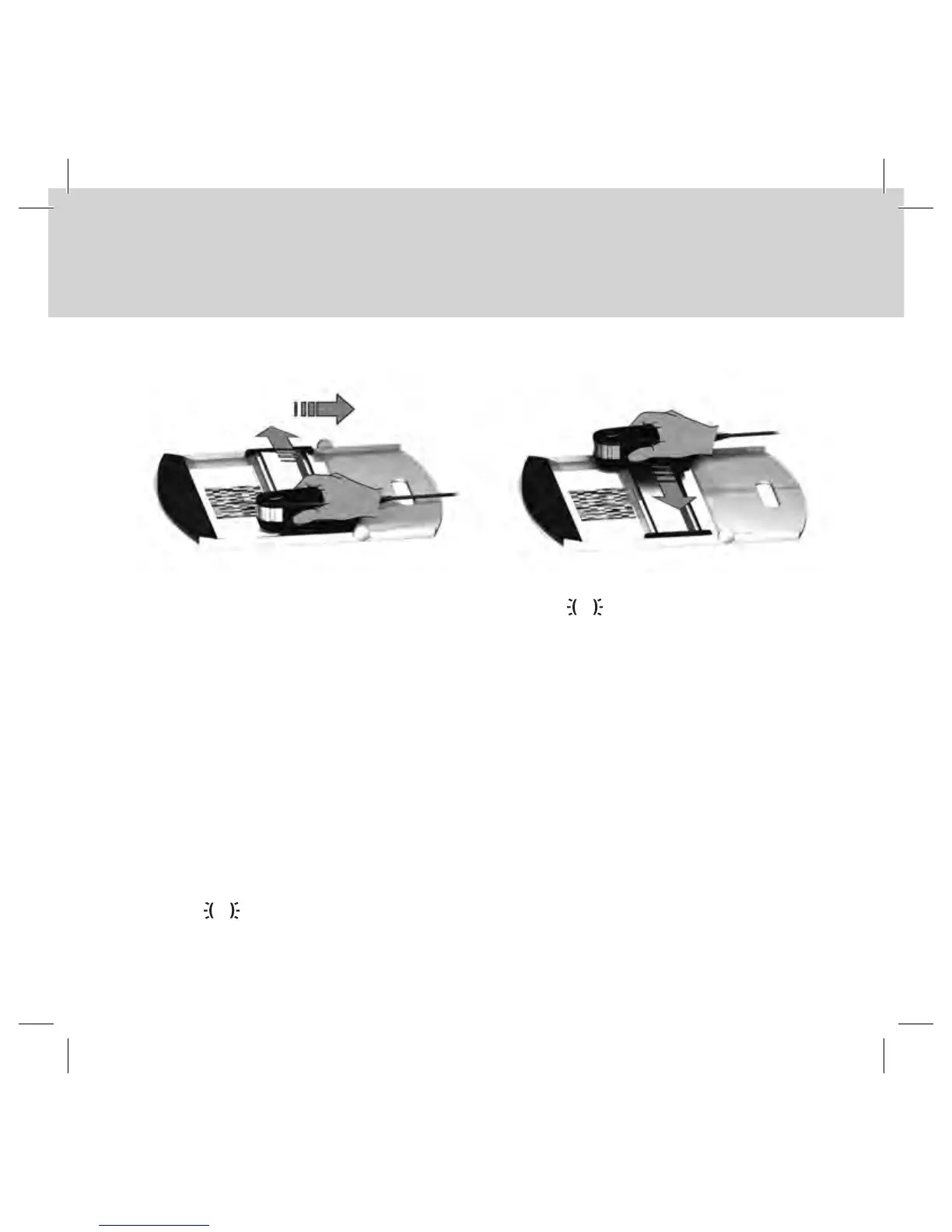
1. Make sure that your device is calibrated and the status indicators are pulsating
white.
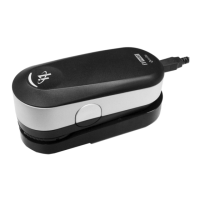
2. Position the ruler with the device on the white paper in front of row #1 of your test
chart. It does not matter if you scan the row from left to right or right to left.
3. Set your software to single scanning mode.
4. Press the measurement button on the device and wait one second before you start
moving the device to the opposite site on the ruler. Hold the measurement button
pressed until you have reached the far end of your test chart. The short delay before
the measurement process is required to warm up the tungsten filament lamp. The
status indicators on the device provides feedback if the measurement was
successful:



 To Next Page