EN
25
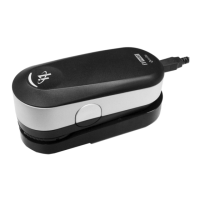
To prepare your i1Pro device for spot measurement you need to mount the i1Pro device
on the positioning target. Make sure your device is calibrated and the status
indicators are pulsating white before you mount it. Refer to the user guide of your
measurement software for further details on the spot measurement process.
1. Mount the i1Pro measurement device on the positioning target by inserting the
mounting connector on the positioning target in the mounting interface at the rear of
the i1Pro device.
2. Configure your software to take spot measurements.
3. Position the device on the patch you would like to measure.
4. Press the measurement button on the device. Status indicator lights switch off
during a measurement and pulsate green once the measurement has been
successfully finished.
5. To remove the i1Pro device from the positioning target, gently pull the mounting
connector with the positioning target out of the mounting interface at the rear of the
i1Pro device.



 To Next Page