EN
33
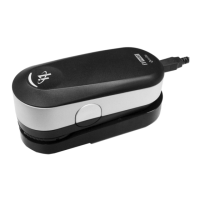
Setup the i1Pro device for projector measurements.
1. Place the i1Pro device on the tripod holder next to the projector or at a distance in
front of your screen.
2. Open the locking screw on the tripod holder and adjust the angle of the i1Pro
device. The limiting aperture of the i1Pro should point towards the center of your
screen. Close the locking screw once the device is in the right position.
3. Adjust the lighting of your room to the same conditions as you will use for the
projector and presentation.
4. Configure your software for projector measurement and follow the instructions on
the screen.



 To Next Page