EasyManua.ls Logo

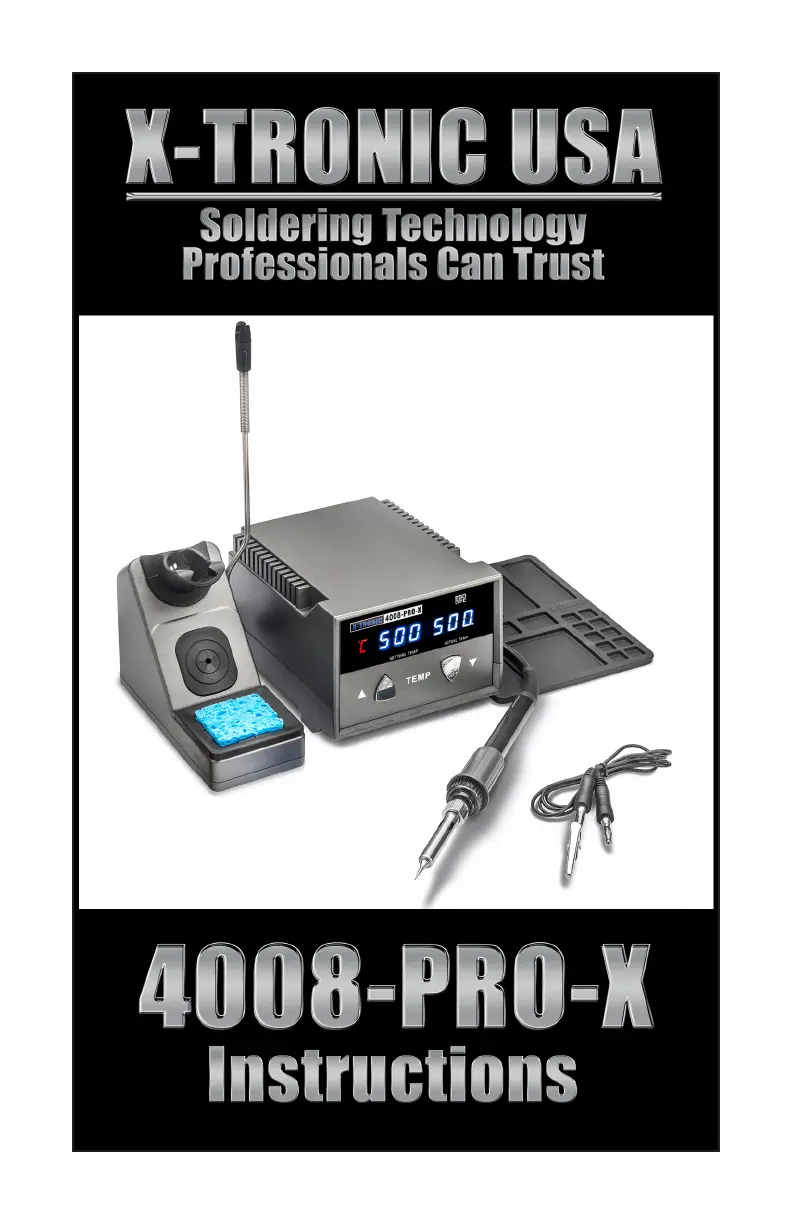
X-Tronic 4008-PRO-X - User Manual

Default Icon
12 pages
Print Icon
To Next Page IconTo Next Page
Loading...

Questions and Answers

  • T
    Taylor RamosJul 29, 2025
    What to do if X-Tronic 4008-PRO-X does not have power?
    • F
      fitzgeraldshawnJul 29, 2025
      If your X-Tronic Soldering Gun isn't powering on, first ensure the power cord is securely connected to both the unit and the outlet, and that the power switch at the back is turned on. Then, check if the outlet is working correctly. Finally, inspect the fuse at the back of the unit; if it's damaged, replace it.
  • K
    Katherine DominguezAug 6, 2025
    Why is X-Tronic 4008-PRO-X tip not heating up?
    • H
      hernandezhannahAug 6, 2025
      If the tip of your X-Tronic Soldering Gun isn't heating up properly, make sure the soldering iron is securely plugged into the back of the unit. The soldering tip might be oxidized, so it is important to always tin your tip and keep it clean. Also, the heating element may need to be replaced. The unit may also require calibration.
  • K
    kramosAug 13, 2025
    What to do if my X-Tronic Soldering Gun shows S-E Error?
    • J
      Justin KingAug 13, 2025
      If your X-Tronic Soldering Gun displays an "S-E Error", first ensure that the soldering iron is securely plugged into the back of the unit. If the error persists, the heating element may need to be replaced.
  • J
    Jennifer YoungAug 20, 2025
    Why does my X-Tronic Soldering Gun rattle?
    • M
      Mackenzie EdwardsAug 20, 2025
      The rattling sound in your X-Tronic Soldering Gun is normal. It's caused by a small ball inside the unit that helps the system detect when the soldering iron is not in use, triggering the Sleep Mode.

Summary

Safety Precautions

User Interface

Initial Set-Up

Operating Instructions

Features

Temperature Conversion

Unit can display temperatures in Fahrenheit or Celsius, toggled when powered off.

Mute; Unmute Function

Toggles audible feedback for button presses and sleep mode alerts.

Sleep Function

Unit enters sleep mode after idle, cooling the iron to prevent damage.

Maintenance

Replacing the Soldering Tip

Replacing the Soldering Iron Heating Element

Troubleshooting

3-Year Limited Warranty

Who May Use This Warranty?

Defines who is eligible for the limited warranty based on purchase.

What Does This Warranty Cover?

Details what defects in materials and workmanship are covered.

What Does This Warranty Not Cover?

Lists specific types of damage or wear not covered by the warranty.

What Is the Period of Coverage?

Specifies the duration and breakdown of the warranty period.

What Are Your Remedies Under This Warranty?

Outlines the available remedies for defective products during warranty.

How Do You Obtain Warranty Service?

Provides instructions and contact information for initiating warranty claims.

Limitation of Liability

States the limits on the company's liability for product issues.

X-Tronic 4008-PRO-X Specifications

General IconGeneral
TypeSoldering Station
Voltage110V
Temperature Range200°C - 480°C
Temperature Range (F)392°F - 896°F
Heating ElementCeramic
Tip Type900M Series
ESD SafeYes
DisplayDigital
Heating Time30 seconds
Standby ModeYes
Auto Shut-offYes
LED DisplayYes

Related product manuals