EasyManua.ls Logo

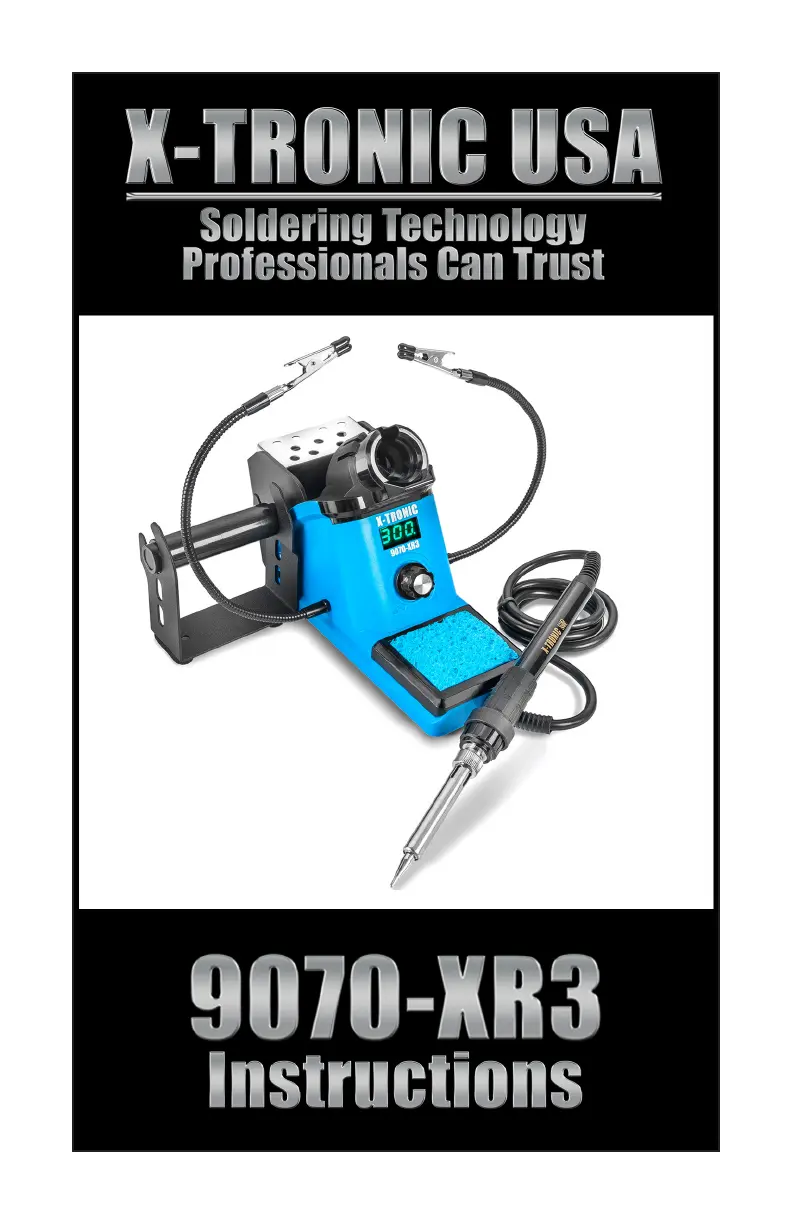
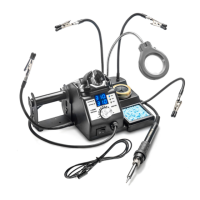
X-Tronic 9070-XR3 - User Manual

Default Icon
16 pages
Print Icon
To Next Page IconTo Next Page
Loading...

Questions and Answers

  • C
    Courtney ThompsonJul 28, 2025
    Why is my X-Tronic 9070-XR3 tip not heating up?
    • L
      Laurie MilesJul 29, 2025
      If your X-Tronic Soldering Gun tip isn't heating up as expected, it might be oxidized. Make sure to regularly tin your tip and keep it clean. If that doesn't solve the problem, the heating element may need replacement. Also, the unit may require calibration, so refer to the Calibration section of the manual.
  • M
    matthew26Aug 7, 2025
    What to do if X-Tronic Soldering Gun does not have power?
    • B
      Brandi FloresAug 7, 2025
      If your X-Tronic Soldering Gun unit isn't getting power, ensure the power cord is securely attached to the outlet and that the unit is powered on at the back. Additionally, make sure the outlet is working.
  • M
    melissawatsonAug 17, 2025
    What to do if X-Tronic 9070-XR3 Soldering Gun shows S-E Error?
    • D
      Deborah DurhamAug 17, 2025
      If your X-Tronic Soldering Gun shows an 'S-E' error, it could be due to an oxidized soldering tip. Always tin your tip and keep it clean. If the issue persists, the heating element may need to be replaced.

Summary

Product Specifications

Package Contents

Lists all items included in the product package.

Safety Precautions

Unit Diagram

Initial Set-up

Step-by-step guide for setting up the soldering station for the first time.

Operating Instructions

Celsius; Fahrenheit Conversion

How to switch between Celsius and Fahrenheit temperature displays.

Sleep Function

Explanation of the automatic sleep mode and how to activate/deactivate it.

Calibration Function

Information on when and how to calibrate the soldering station's temperature.

Maintenance

Soldering Tip Care

Best practices for cleaning, tinning, and caring for the soldering tip.

Install;Remove Soldering Iron Tip

Step-by-step instructions for safely removing and installing soldering tips.

Replacing the Heating Element

Detailed instructions for replacing the heating element of the soldering iron.

Troubleshooting

3-Year Limited Warranty

Contact Information

X-Tronic 9070-XR3 Specifications

General IconGeneral
Heating ElementCeramic
ESD SafeYes
Voltage110V
StandIncluded
DisplayDigital
Included Accessories5 Soldering Tips

Related product manuals