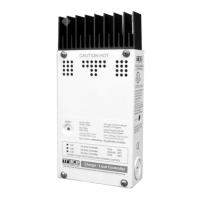
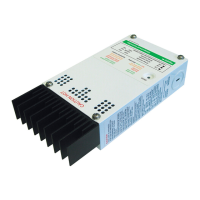
Mounting
975-0400-01-01 2–5
Removing the Wiring Compartment Cover
Before mounting, remove the wiring compartment cover to access the mounting
holes and the wiring terminals. The wiring compartment cover is secured with two
Phillips #8-32 × 2 ½-inch (63.5 mm) screws on the front cover of the unit. See
Figure 2-2.
Removing Knockouts
Six dual and two single knockouts are provided for routing battery, PV array,
BTS, and network cables into the XW SCC. Use bushings or conduits to protect
the wiring from damage from rough edges around the knockout holes.
When removing knockouts, ensure that no metal shavings or fragments fall into
the wiring compartment.
Figure 2-2
Removing the Wiring Compartment Cover
Remove screws to access
the wiring terminals.
Important:
Do not drill, cut, or punch holes in the XW SCC. Use only the knockouts
provided for conduit entry.


 To Next Page
 Loading...