XE210C Hydraulic Excavator Operating and Maintenance Manual 55
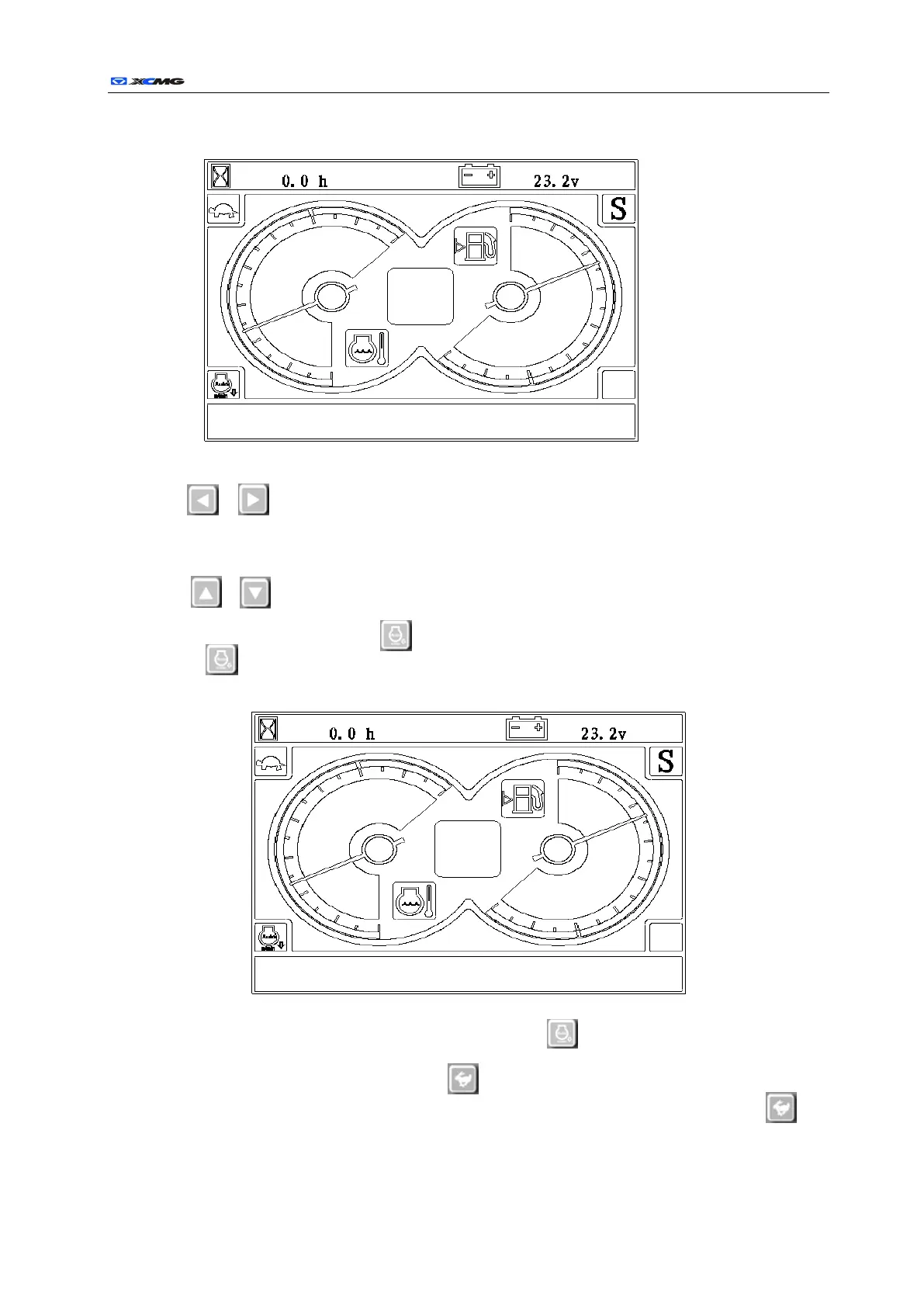
b) When the key switch is turned to ON, the interface of the instrument is as follows:
Button instructions:
a) , The two buttons are respectively corresponding to functions of the instruction area
between positive display liquid crystal to realize power mode switch. The switch can be carried
out in heavy load mode (H), simple load mode(S), light load mode (L) and pulverized load mode
(P).
b) , The two buttons are respectively up key and down key when it comes to the menu,
through which required information can be chosen.
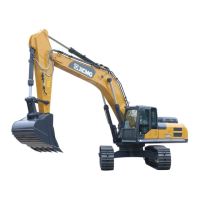
c) Automatic idle speed button : after the automatic idle speed button is pressed, there will be
at the lower left. Three seconds later, the controller pulls the pointer from the current throttle
position to the idle speed position as follows:
after the automatic idle speed button is pressed again, at the lower left disappears, and the
controller automatically pulls the pointer from the idle speed position to the throttle position.
d) High and low speed moving button : after the key is pressed, the moving electromagnetic
valve obtains electricity, which enables high speed moving of the machine, the icon will
appear at the upper left, as shown in the following figure:
Date time and information display area
Date time and information display area


 To Next Page