XE210C Hydraulic Excavator Operating and Maintenance Manual 56
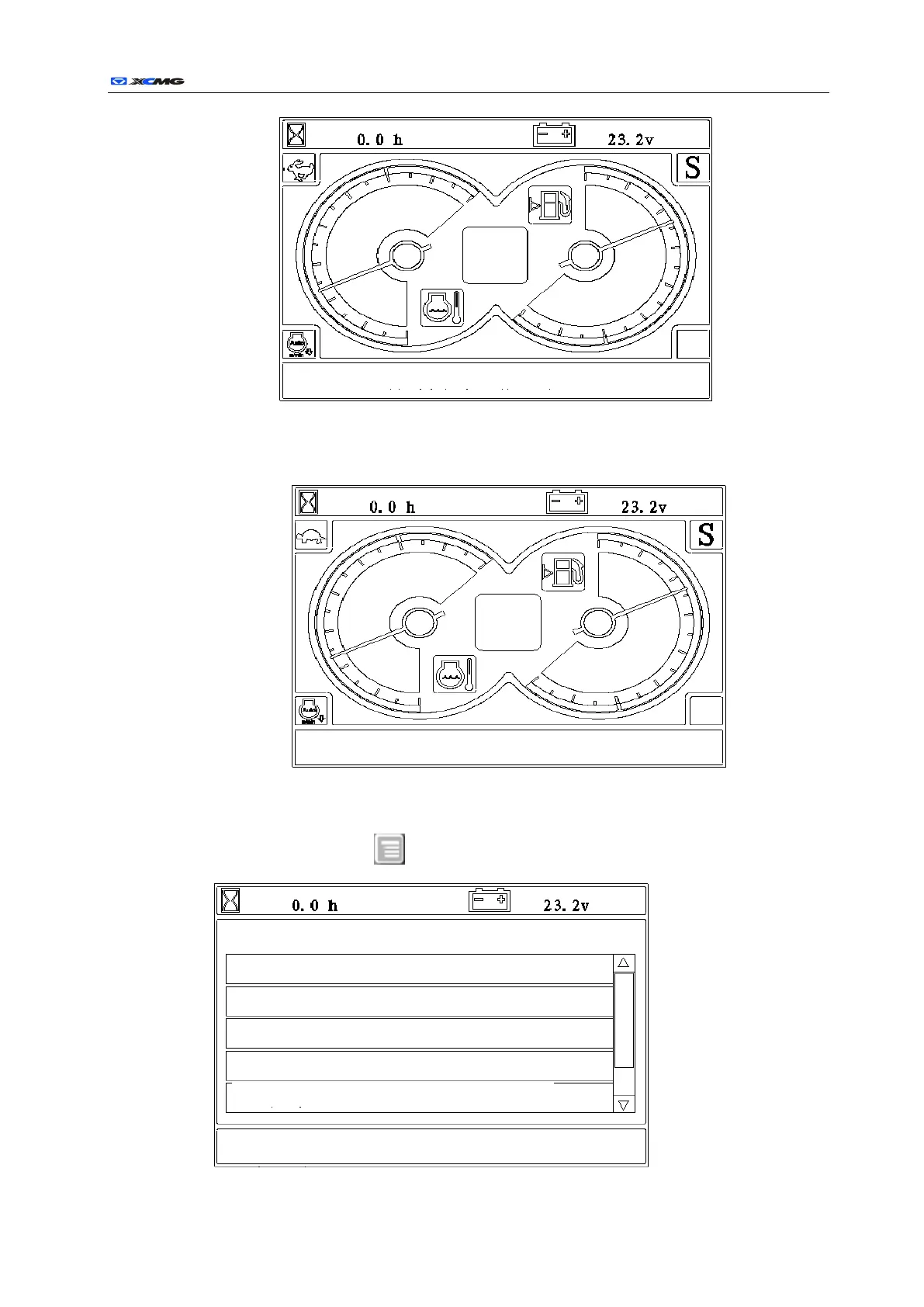
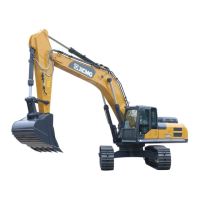
When the key is pressed again, the moving electromagnetic valve loses electricity, and the machine
moves slowly. The interface is as follows:
Menu operating illustration (For use only as operation demonstration, which may be different from
that of the machines):
a) Button operation in the working interface.
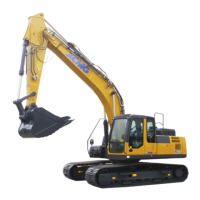
When the menu key is pressed in the working interface, the main menu interface is
entered as follows:
Date time and information display area
Date time and information display area
Date time and information display area


 To Next Page