190
Xeno XDR5 real time DVRs manual V1.0
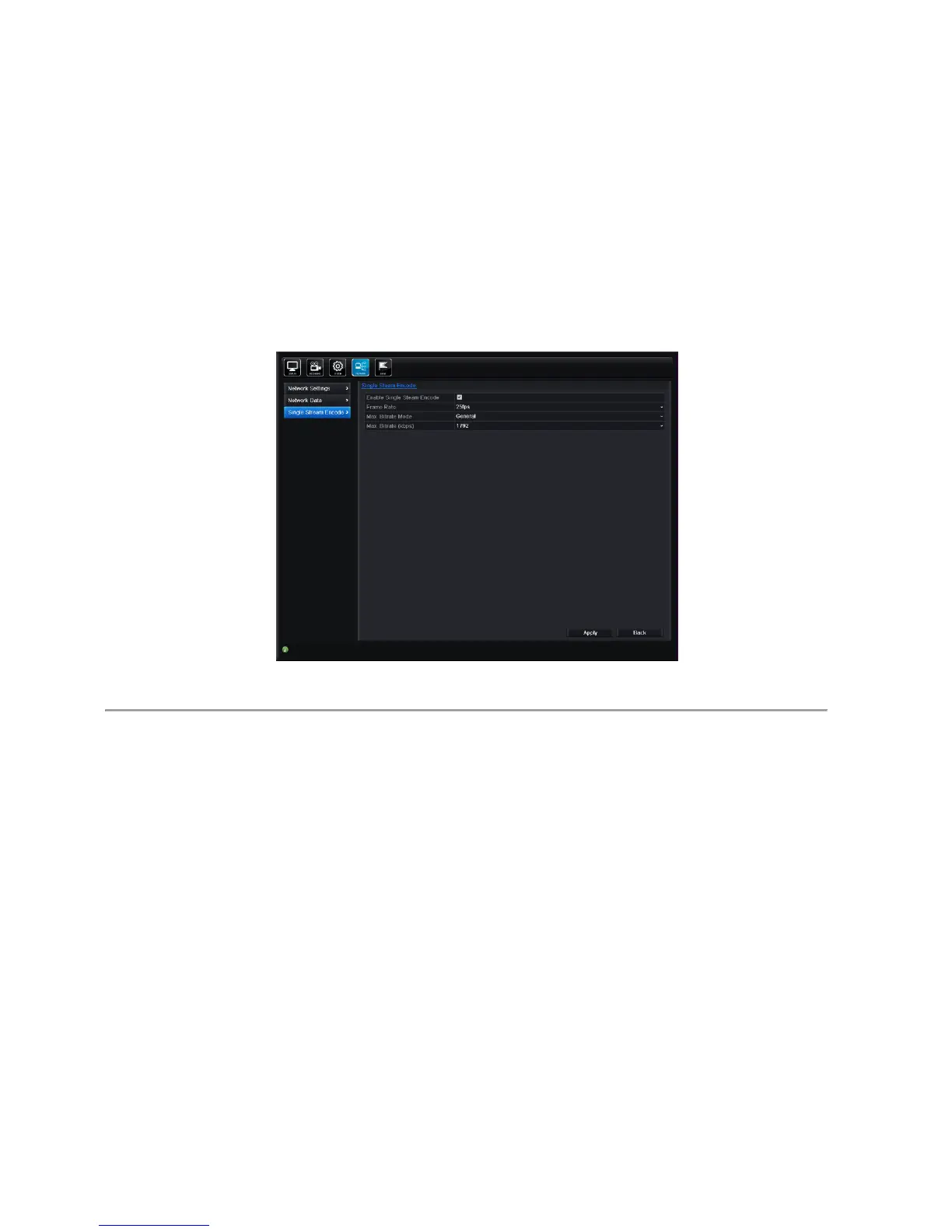
10.5 Single Stream Encoding
Purpose:
Sometimes you need to get a remote view of many channels in real time from web browser or CMS (Client
Management System) software, in order to decrease the bandwidth requirement without affecting the image quality,
Single stream Encoding, can send a split screen image of All the cameras on the DVR in a single D1 resolution stream.
Steps:
1. Enter the Network Settings interface.
Menu> Network> Single Stream Encode
Figure 9.31 Single Stream Encoding
2. Check the checkbox after Enable Single Stream Encode.
3. Configure the Frame Rate, Max. Bitrate Mode and Max. Bitrate.
After you set the single stream encoding, you can get a view in the remote client or IE browser of all the channels in one
stream.
Note: Once enabled The Single Stream Encoding feature will show as an additional camera input on the camera list of
the XDR5 Client software. If it does not appaear, click the refresh button on the “Camera Import” screen.



 To Next Page