DocuMate 632 Scanner User’s Guide 9
Installation
5. Click Install Now.
The Welcome to the OneTouch 4.0 Setup Wizard opens.
6. Click Next.
7. On the Xerox License Agreement window, read the license
agreement. If you accept the terms, select I Agree then click
Next.
If you choose not to accept the license agreement, the
installation will terminate and the scanner driver will not be
installed.
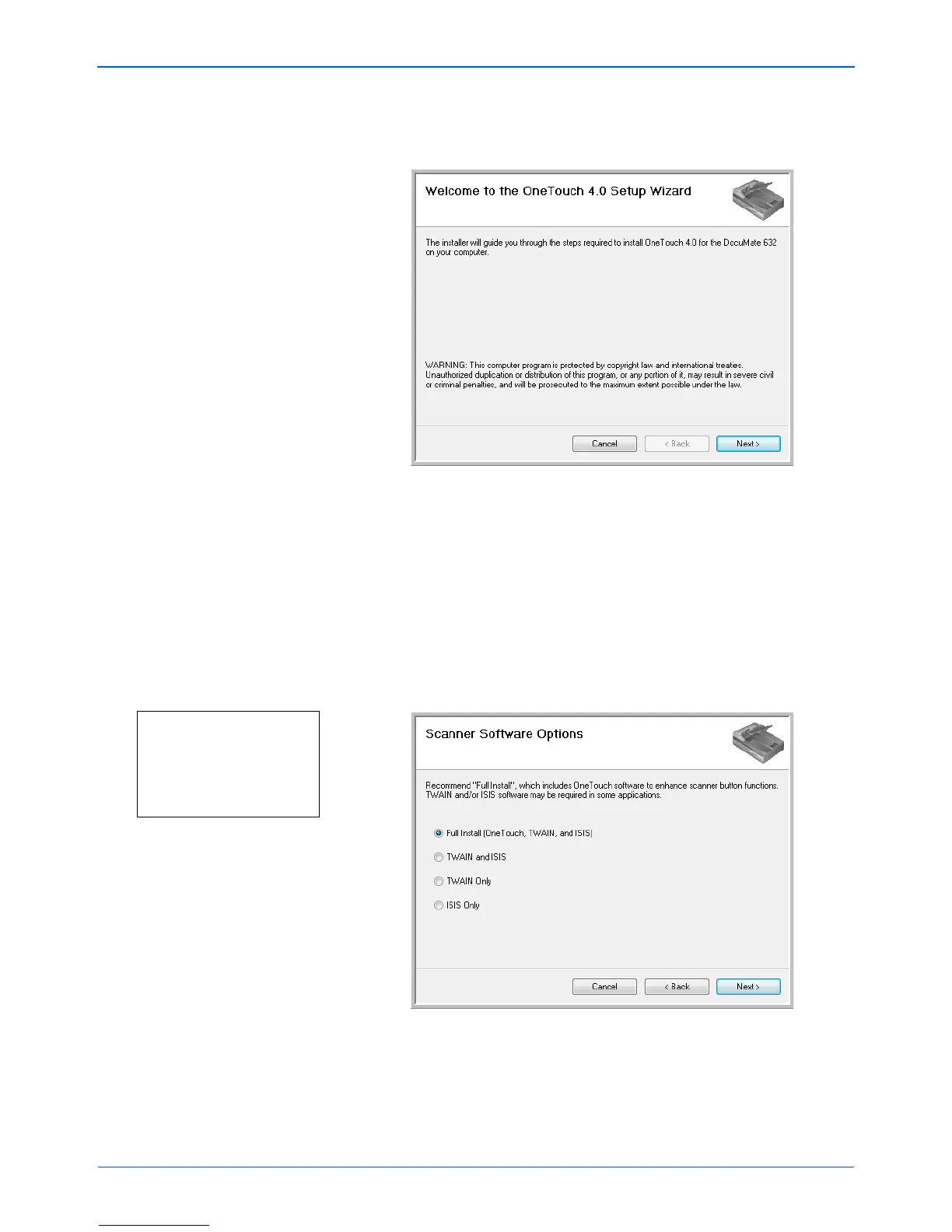
The next window lists the choices of the drivers that you can
install for your scanner.
Note: Some of the options listed
in this window may not be
available when you purchase
your scanner.
Please visit our web site at:
www.xeroxscanners.com
for the latest updates.


 To Next Page
 Loading...