3. Remove the new toner cartridge from the packaging. Tilt the cartridge up and down, then left
and right 10 times.
4. Hold the new toner cartridge with the arrow facing up, then push the cartridge in slowly until it
stops.
5. Push gently on the toner cartridge to ensure that it is seated.
6. Close the printer front cover.
Xerox
®
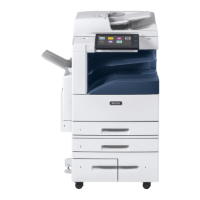
EC8036/EC8056 Color Multifunction Printer
User Guide
221
Maintenance










 To Next Page