User Guide 17
Supplies Loading Media
Note
To reduce the possibility of misfeeds and jams, fan the stack
of paper before inserting it into the tray.
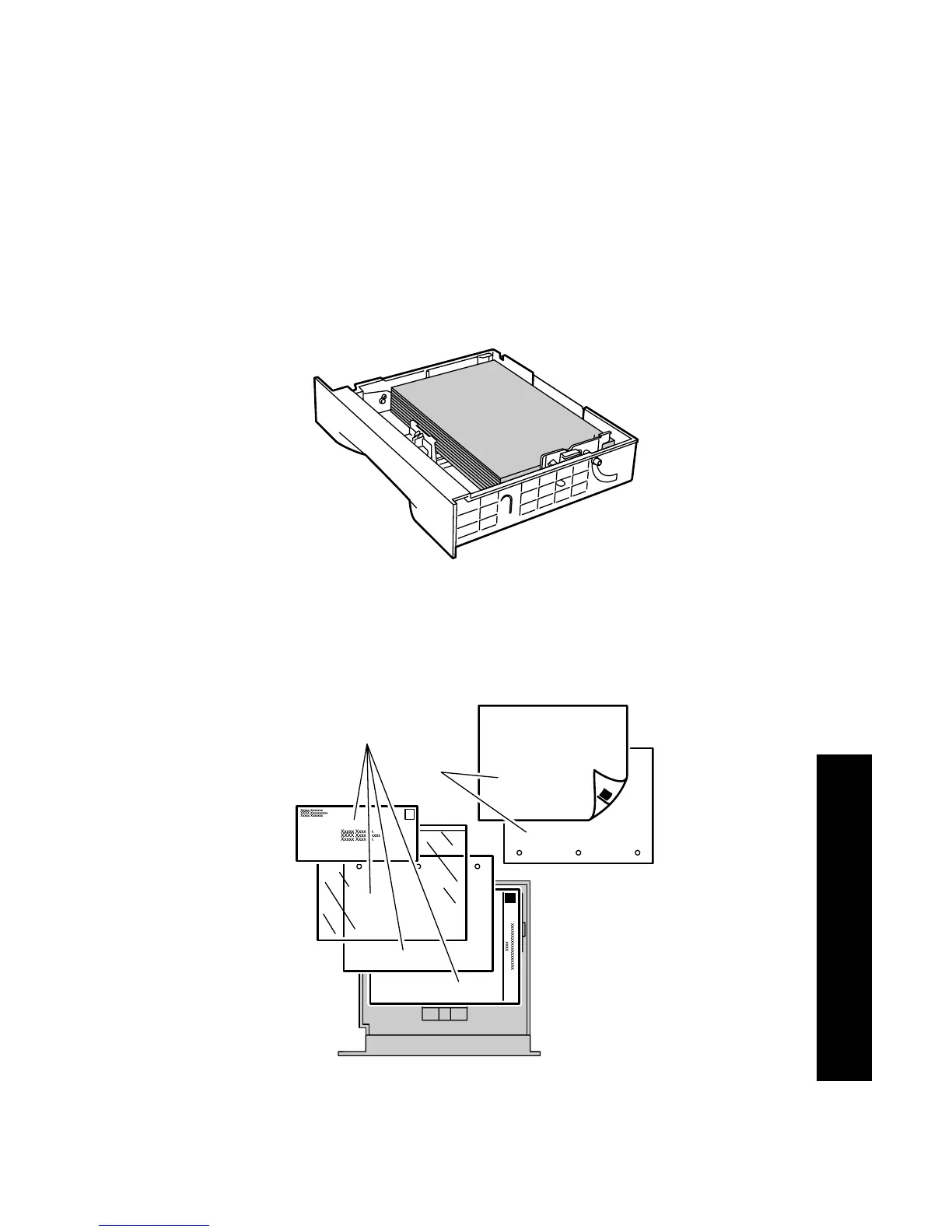
5. Align the four corners of the paper stack and insert it into the tray
following the simplex and duplex instructions below. Make sure
that the paper is placed at the center of the tray, under the
retaining clips on both sides.
.
Top view of tray:
1. Simplex printing, 2. Duplex printing
3925-14
1
2
3925-15










 To Next Page