Moving the Printer
Phaser® 6180 Color Laser Printer
8-12
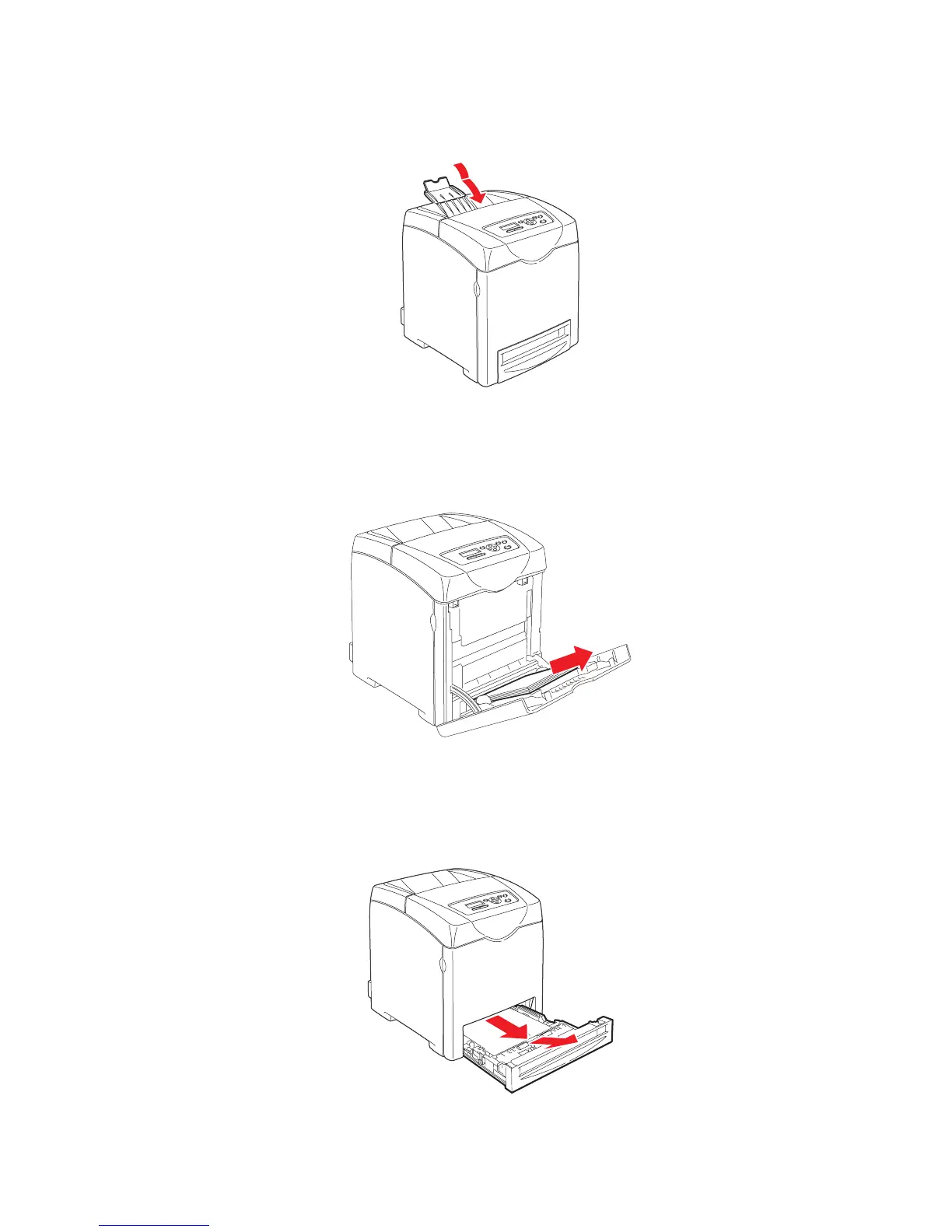
3. Remove any paper in the output tray and return the paper stopper to its original position.
4. Remove any paper in the Tray 1 (MPT), and then close the front cover. Keep the paper
wrapped and away from humidity and dirt.
5. Pull out the paper tray from the printer and remove any paper in the tray, and then reinstall
the tray. Keep the paper wrapped and away from humidity and dirt.
6180-042
6180-043
6180-024

















 To Next Page