Specifications
218 Xerox
®
VersaLink
®
C405 Color Multifunction Printer
User Guide
Printer Configurations and Options
Available Configurations
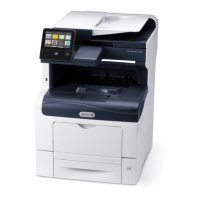
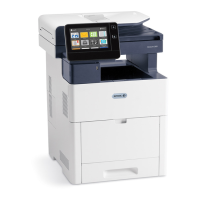
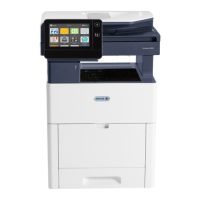
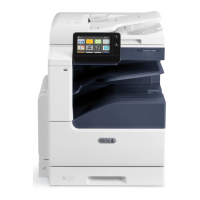
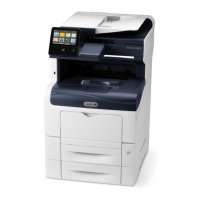
The printer is available in two configurations:
• Network printer with copy, scan, and fax functions, and USB or network connectivity.
• Network printer with copy, automatic 2-sided printing, scan, and fax functions, and USB or
network connectivity.
Standard Features
Print Speed Standard and Enhanced modes up to 36 ppm (letter)/35 ppm (A4)
2-Sided Print Speed Standard and Enhanced modes up to 24 images per minute
Print Resolution
• Standard mode: 600 x 600 x 1 bit dpi
• Enhanced mode: 600 x 600 x 8 bit dpi
Paper Capacity
• Bypass Tray
• Tray 1
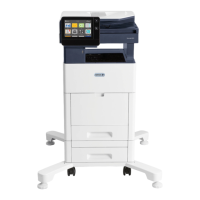
• Optional 550-Sheet Feeder
• Output Tray
• 150 sheets
• 550 sheets
• 550 sheets
• 250 sheets
Maximum print size Legal (216 x 356 mm, 8.5 x 14 in.)
2-Sided Printing Up to 163 g/m² from any tray
Copy Speed
• 1-sided copy
• 2-sided copy
• 36 copies per minute for color, 36 for black and white
• 24 copies per minute for color, 24 for black and white
Copy Resolution 600 x 600 dpi
Max Copy Size
Legal (216 x 356 mm, 8.5 x 14 in.)
Document Feeder Single-Pass Duplex Automatic Document Feeder
Document Feeder Capacity 50 sheets
Scan Resolution
• Optical
• TWAIN
• WIA
• 600 x 600 dpi
• Up to 1200 dpi interpolated
• Up to 600 dpi
• Document Glass
• Single-Pass Duplex Automatic
Document Feeder
• 215.9 x 297 mm (8.5 x 11.7 in.)
• 215.9 x 355.6 mm (8.5 x 14 in.)


 To Next Page
 Loading...