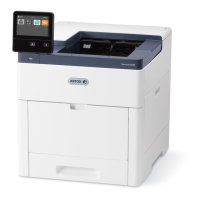
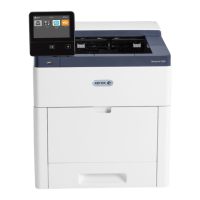
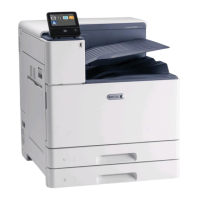
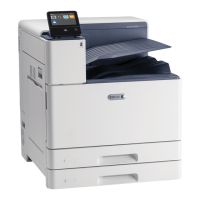
Loading Labels in Trays 1-4
1. Pull out the tray until it stops.
2. Ensure that the paper guides are set in the correct position for the size labels you are loading.
3. Remove any paper that is a different size or type.
4. To move out the length or width paper guide, release the guide lock, then slide out the length or
width paper guide.
181


 To Next Page
 Loading...