12
The tracker will check the speed in 3 minutes interval and alarm if it is overspeed.
9.8 IMEI Checking:
Send SMS imei+password to the unit to check the IMEI number of the unit.
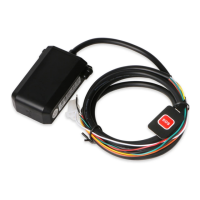
9.9 SOS Button
Press the SOS for 3 second, it will send “help me !+ Geo-info” to all the authorized
numbers every 3 minutes. It will stop sending such a SMS when one of the authorized
number reply SMS ”help me!” to the tracker.
9.10 Low Battery Alert
It begins to send SMS to the user every 30minutes when the the battery voltage is lower
than 3.7V.
SMS format: low battery+Geo-info.
9.11 SMS Center ( or appointed number)
9.11.1 Setup: Send SMS adminsms+password+space+cell phone number to setup the
SMS center.
If the SMS center is set up, when an authorized number sends SMS or makes a calll to
the tracker, the tracker will reply a SMS with Geo-info & authorized number to SMS
center.
9.11.2 Cancel: Send SMS noadminsms+password to cancel the SMS center.
Response SMS format: authorized number+Geo-info
Note:
◆The SMS message must in Text format, can’t be identified for PDU format.


 To Next Page