6
6 Startup
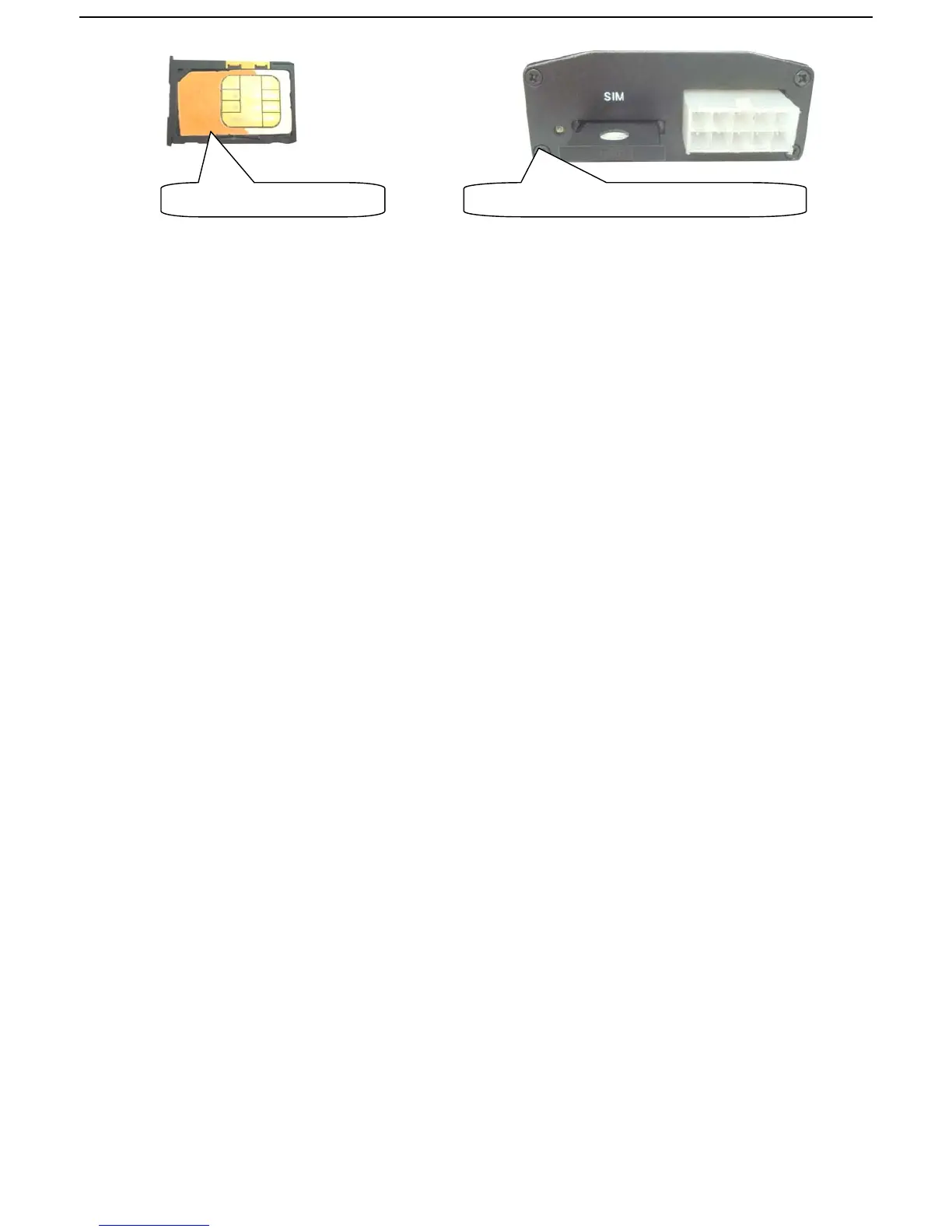
z Put the SIM card in place,the LED indicator will flash after several
seconds.(NOTE:The tracker turns on atuomatically while the sim card slot be
inserted,and the tracker turns off automatically while the sim card slot take out.)
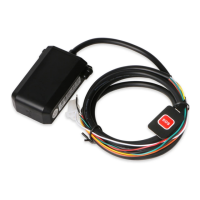
z After connecting the wires with the tracker and the car,then you can see the LED
indicator flashs green arounds the wires connector(re.3.1 wires connector)
z In 40-60 seconds, the unit will start to work and receive the GSM signals as well as
the GPS signals.When this unit receives GPS signals normally, you can use it and
do all the following settings.
7 Usage
The
tracker
has
three
working
modes:
Fortifying
mode,
Tracking
mode and
Monitoring
mode. Modes
switch
between
“fortifying”,
“
tracking” and
“monitoring”.
When
power
on
the
tracker,
the
default
mode
is
“Fortifying”
mode,
you can
send
“
tracker+password”
to
switch
to
tracking
mode,
or
send
“monitor+password”
to
switch
to
monitoring
mode,
or
“fortify+password”
back
to
fortifying
mode.
8 Fortifying Mode
When turn on the tracker, the default mode is Fortify mode.
In
fortifying
mode,
you
can
call
the
tracker
to
activate
the
“protection”
for
your
loved
car
or vehicle.
The
indicator
will
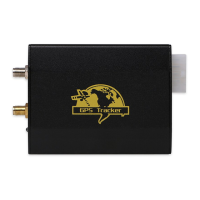
Put a SIM card into the slot. Insert the slot with SIM card into the tracker.


 To Next Page