
 Need help?
Do you have a question about the Xiaomi AX3000 and is the answer not in the manual?
Connects the router to the broadband modem using a network cable.
Guides users through connecting to the initial Wi-Fi and completing setup.
Explains how to place and power on a second router for Wi-Fi coverage.
Recommends using the app for router management and pairing.
Configures mesh networking wirelessly using the Mi Home/Xiaomi Home app.
Sets up mesh networking by pressing a button on the main router after discovery.
Connects satellite router to main router via cable for mesh networking.
Details the meaning of different states for the Internet indicator light.
Explains the system indicator light states for power, updates, and errors.
 General
| Wi-Fi Standard | Wi-Fi 6 (802.11ax) |
|---|---|
| Frequency Bands | 2.4 GHz, 5 GHz |
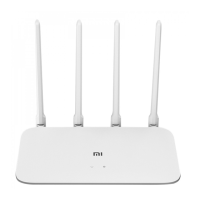
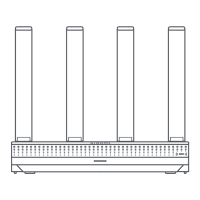
| Antennas | 4 external antennas |
| RAM | 256 MB |
| Flash Memory | 128 MB |
| MU-MIMO | Yes |
| OFDMA | Yes |
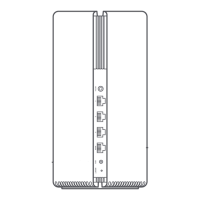
| Ports | 1x WAN, 3x LAN |
| Processor | Dual-core CPU |
| Mesh Networking | Yes |
| Security | WPA3 |
| Maximum Throughput | 3000 Mbps (574 Mbps on 2.4 GHz + 2402 Mbps on 5 GHz) |




 To Next Page