02 03
Indicator Status
Off The router is off or unplugged.
The system is starting up or a network connection error occurred.
The satellite router is connecting to the main router.
The router is working properly.
The new added satellite router is connecting to the Mesh
networking or the system is updating.
A new satellite router is discovered. The indicator will automatically
turn blue if there is no operation for Mesh networking within
2 minutes.
The router is started and the system is ready for configuration.
Orange
Blinking orange
Breathing orange
Blue
Breathing blue
Blinking blue
Description
Network Configuration
Preparation before the Configuration
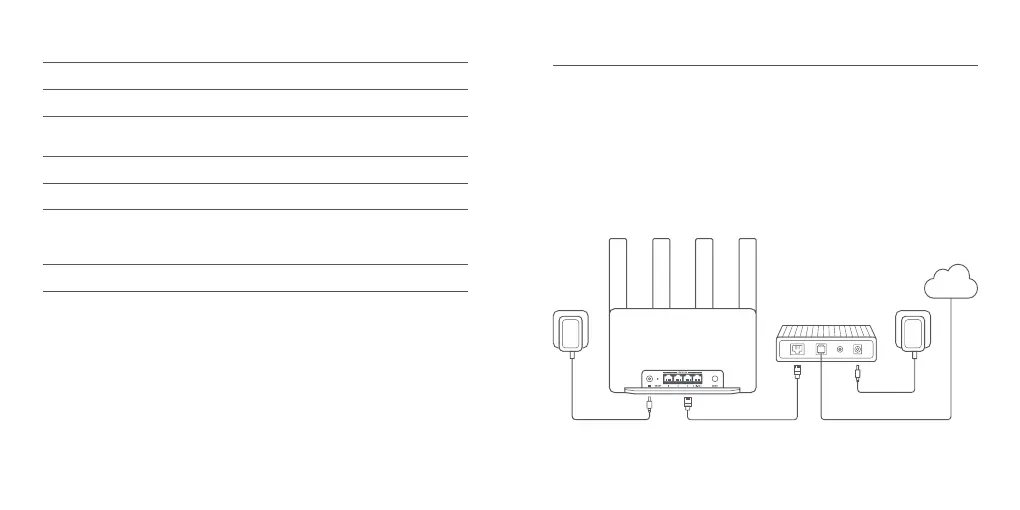
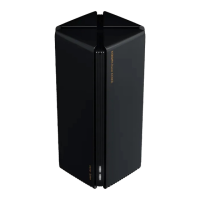
1. Connect the router to power, then the router will automatically turn on.
2. Restart your modem.
Note: The modem is provided by your Internet service provider.
3. Plug one end of the network cable into either of the router's port, and the other end into the
LAN port of the modem.
Note: If you use the Ethernet wall socket instead of the modem, directly plug the network cable
into it.
Internet









 To Next Page