11
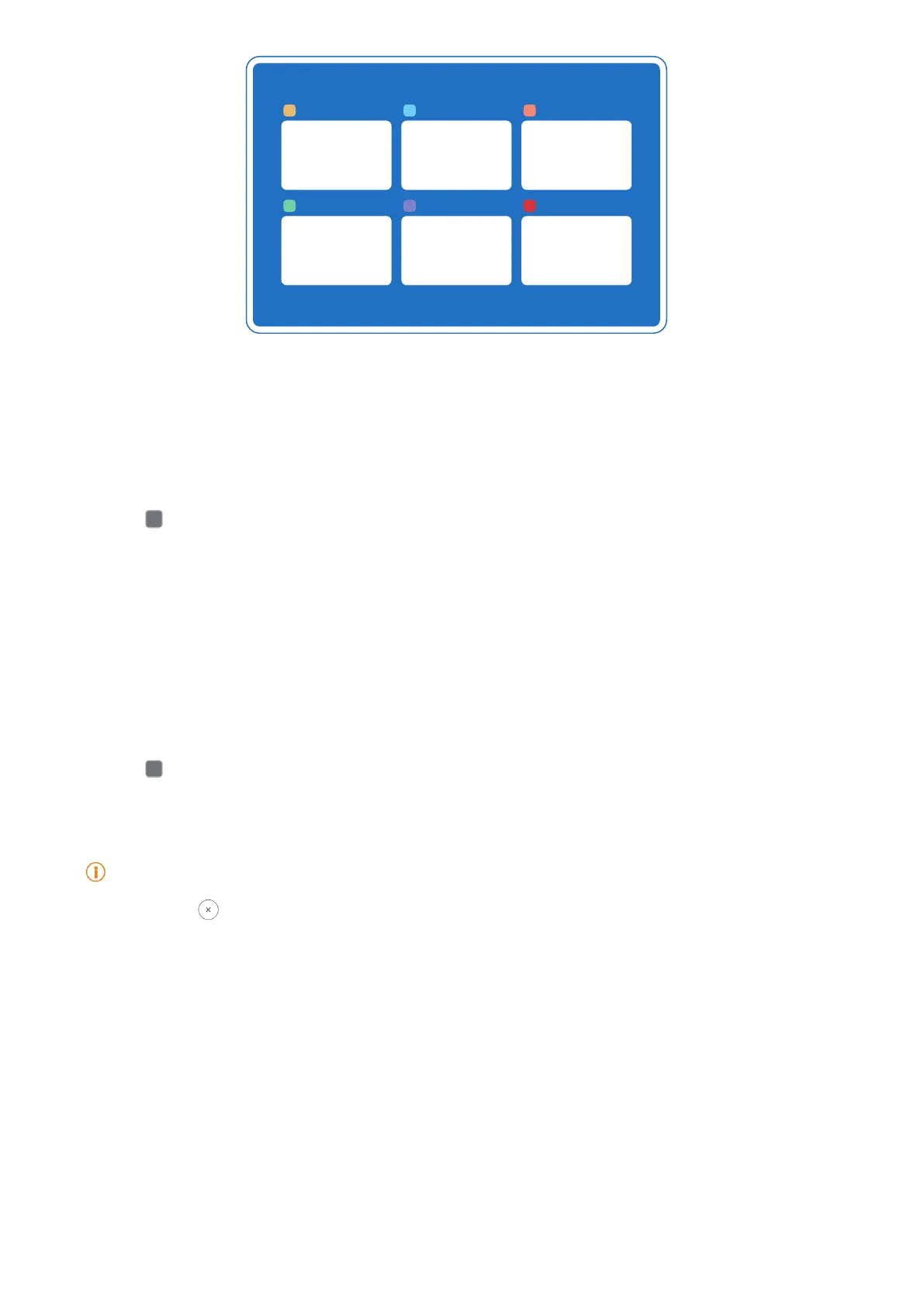
Open recently-opened apps in Recents
1� Open Recents windows�
• Swipe up from the bottom of the screen in full screen mode�
• Tap
when use system navigation buttons�
2� Tap an app window�
Remove recently-opened Apps in Recents
1� Open Recents windows�
• Swipe up from the bottom of the screen when in full screen mode�
• Tap
when use system navigation buttons�
2� Swipe an App window left or right�
Note
You can tap to clear all recently-opened Apps�
Widgets
Widgets enables you to quickly access the functions of apps such as Cleaner function, Clock
information, or Weather information�
Add a widget to Home screen
1� Enter the screen editing mode�
• Pinch on the Home screen�
• Touch and hold an empty space on the Home screen�



 To Next Page