57
Photos
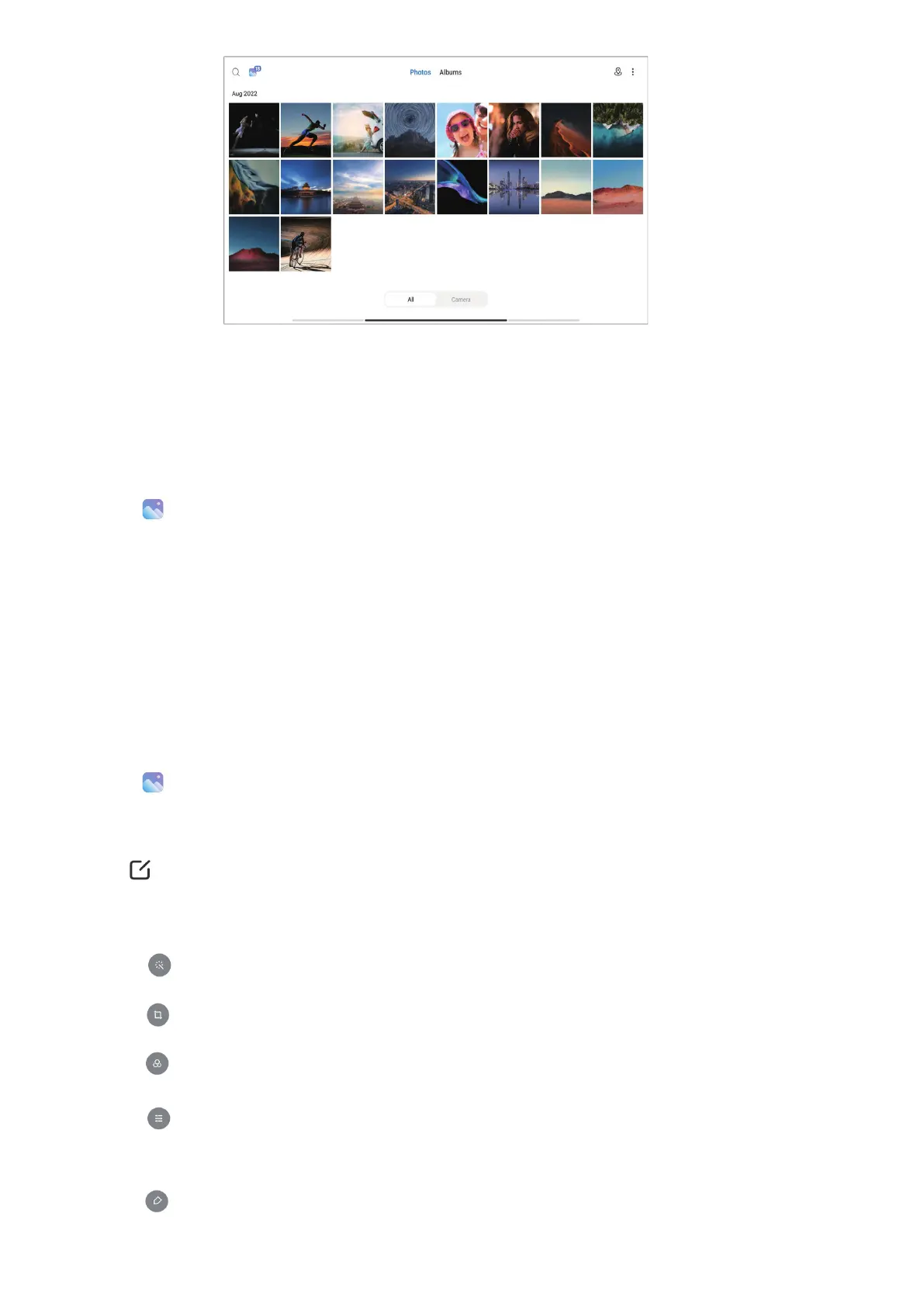
You can view photos and videos organized by days, months, or years�
View pictures
1� Go to
Gallery > Photos�
2� Tap a picture to view details�
3� Swipe left or right to view other pictures�
Edit pictures
You can crop the photo to a dierent aspect ratio, add lters, doodle, text, or frame, and make
adjustment to beautify your photo�
1� Go to
Gallery > Photos�
2� Choose a picture�
3� Tap
to edit the picture�
4� Choose Basic or AI to apply dierent eects.
• Tap
Auto to apply auto eects to your picture.
• Tap
Crop to crop the picture into a dierent size.
• Tap
Filter to add color eects.
• Tap Adjust to adjust the exposure, brightness, contrast, saturation, vibrance, warmth,
tint, highlights, fade, grain, sharpness, and vignette of the picture�
• Tap
Doodle to make doodles or add dierent shapes.



 To Next Page