6
Take a partial screenshot
Press and hold with 3 ngers.
Note
Before you can use the gestures, you need to enable the shortcuts� See Enable Take a screenshot shortcut and
Enable Partial screenshot shortcut for more information�
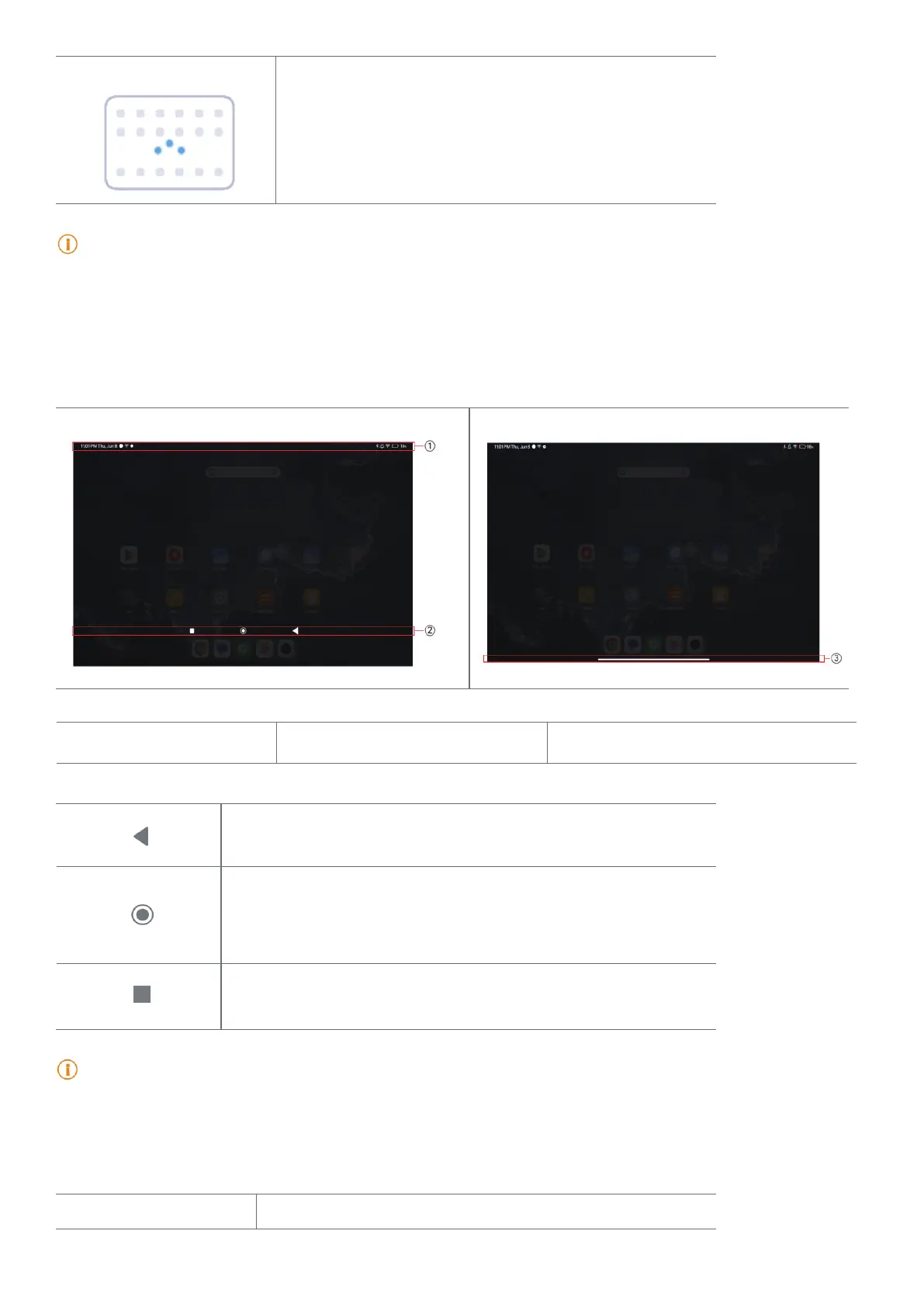
Home screen
1� Status bar 2� System navigation buttons 3� Full screen indicator
System navigation buttons
• Tap to return to the previous step�
• Tap to return to the Home screen�
• Press and hold to use Google Assistant�
• Tap to view recently-opened Apps in Recents�
Note
See Set system navigation buttons for more information�
Full screen gestures
Gesture Description



 To Next Page