5
Power o and reboot
Press and hold the Power button until the Power o
and Reboot menu appears�
Increase the volume
Press the Volume up button�
Decrease the volume
Press the Volume down button�
Take a screenshot
Simultaneously press the Volume down button and the
Power button�
Launch Google Assistant *
Press and hold the Power button until the Google
assistant appears�
Note
* Launch Google Assistant may not be available to your models�
Take a screenshot
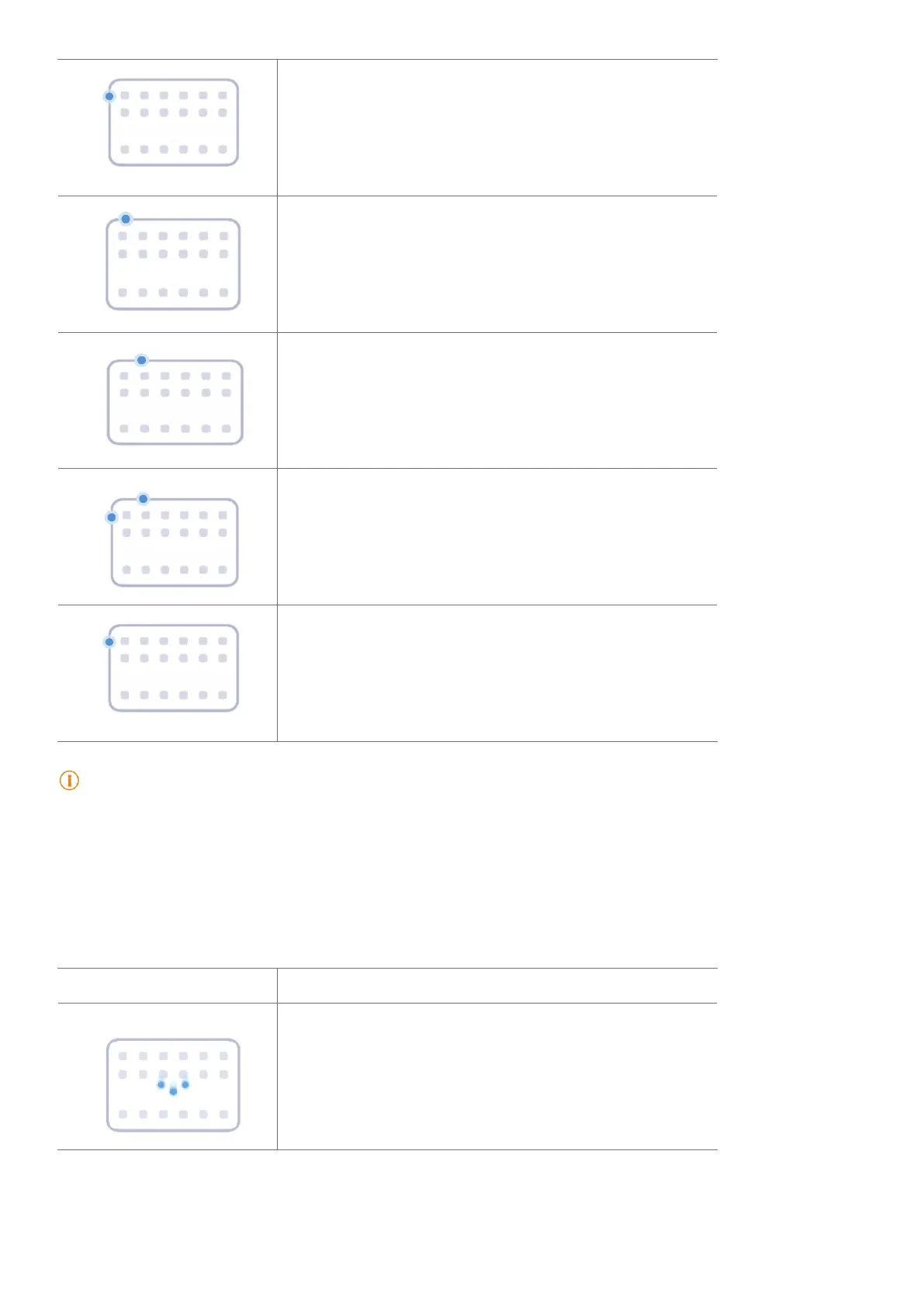
You can use the gestures to take a screenshot and a partial screenshot�
Gesture Description
Take a screenshot
Slide 3 fingers down�



 To Next Page