28
You can tap to enable Gesture conirmation�
Adjust the icon size
You can change the size of icons based on your needs�
1� Go to
Settings > Home screen > Icon size�
2� Drag the slider to adjust the icon size�
Notications & Control center
Enable Lock screen notications
Allow the app notications to show on the Lock screen.
1� Go to
Settings > Notications & Control center�
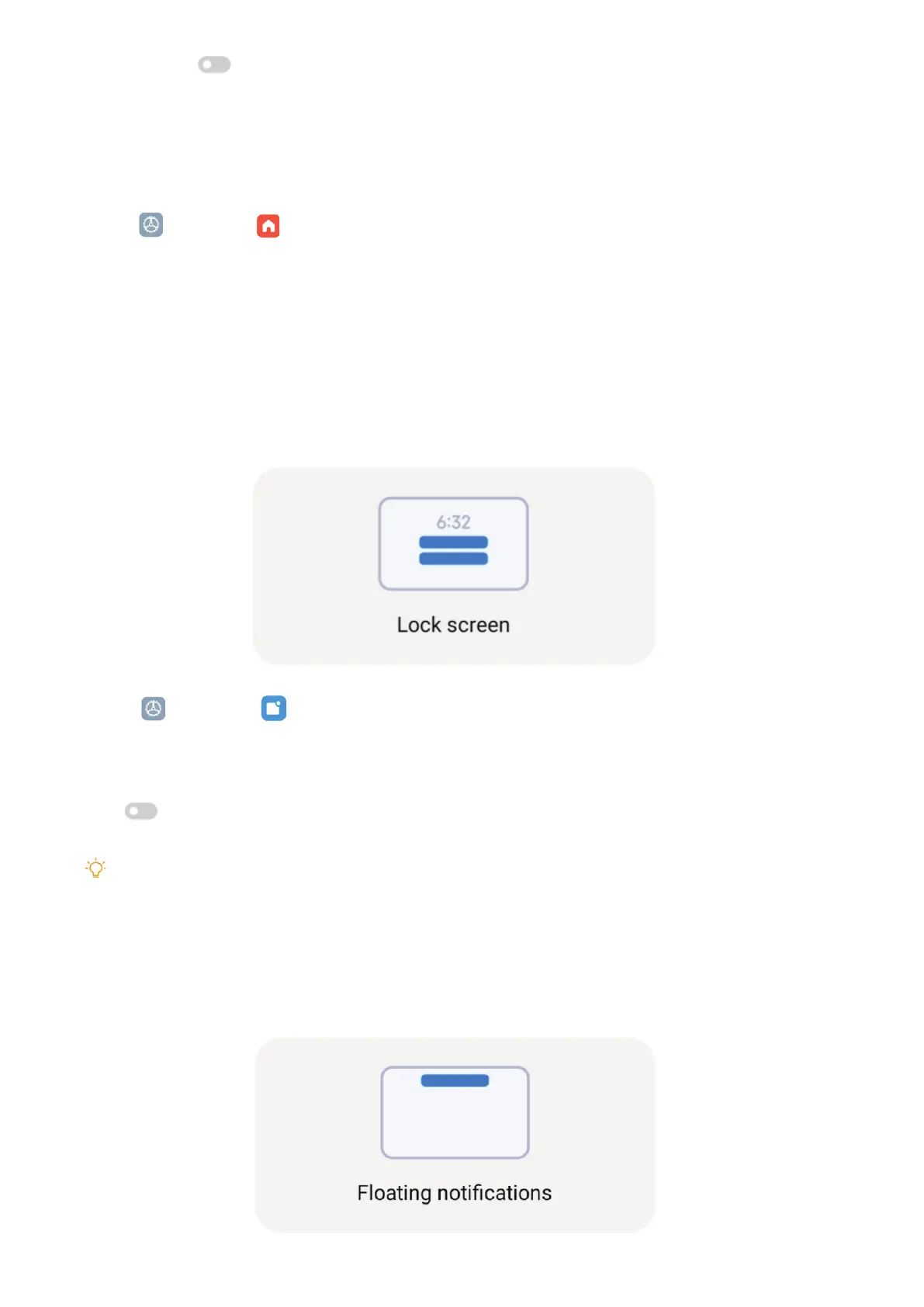
2� Tap Lock screen in NOTIFICATIONS�
3� Tap
beside an app to enable Lock screen notications�
Tip
You can tap Format to choose Show notication and content or Don’t show Lock screen notications�
Enable Floating notications
Allow the app notications to show on the oating notication banners.



 To Next Page