26
2� Tap
to enable Display charging animation after device is unlocked�
Home screen
Change the size of App folder
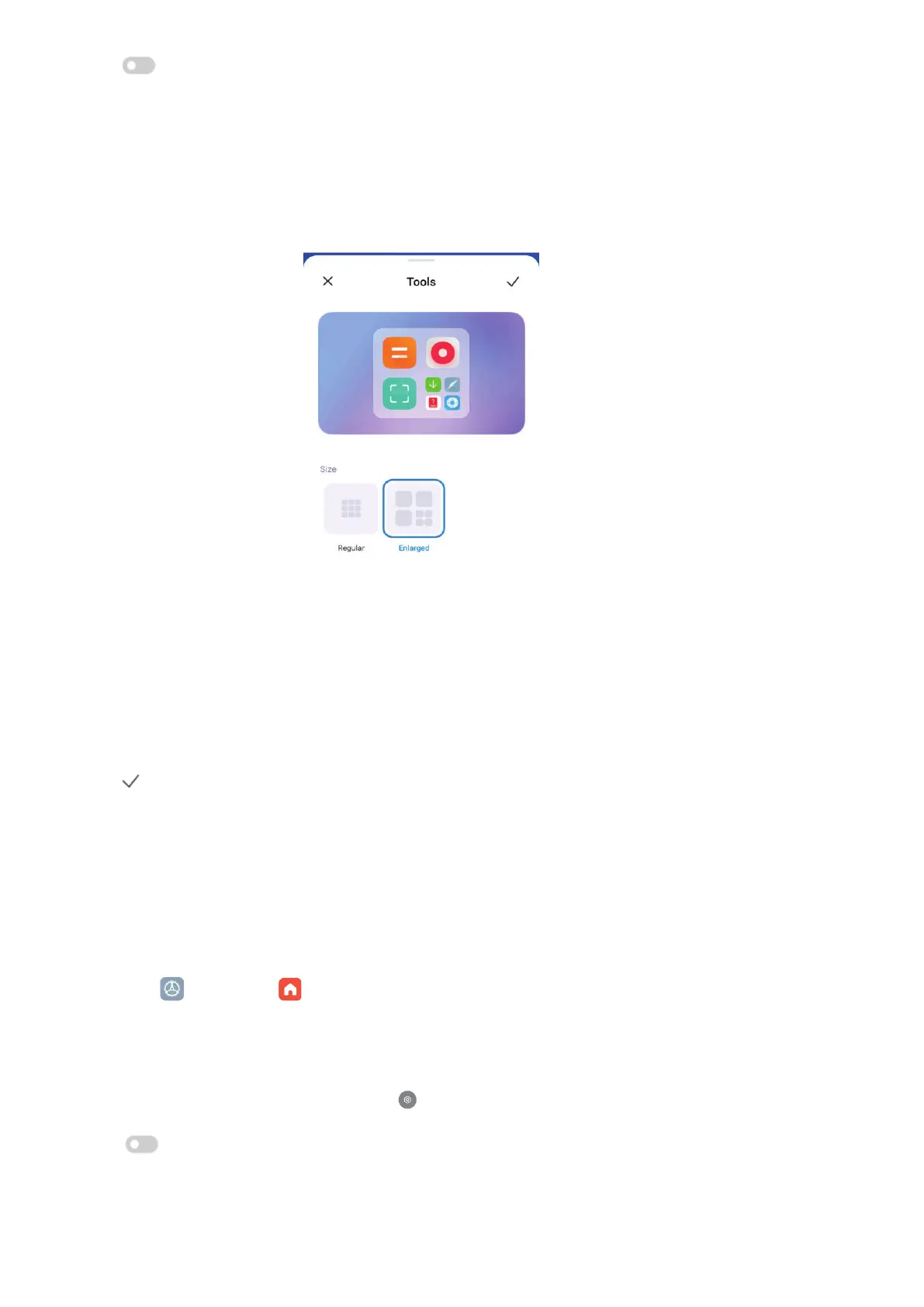
You can personalize the Home screen with dierent sizes of app folders.
1� Touch and hold an app folder on the Home screen until the pop-up window shows�
2� Tap Edit folder to view the available sizes�
3� Choose Regular or Enlarged�
4� Tap
�
Don’t show text below App icons
Do not show text below the app icons on the Home screen�
1� Go to Home screen settings�
• Go to
Settings > Home screen�
• Pinch on the Home screen or touch and hold an empty space on the Home screen to enter
the screen editing mode� Then tap
to set Home
screen layout�
2� Tap
to enable Don’t show text�
Set App display on Home screen



 To Next Page