49
When you tap Documents for the first time, the option is not present� You can tap Documents
again after downloading�
1� Open
Camera�
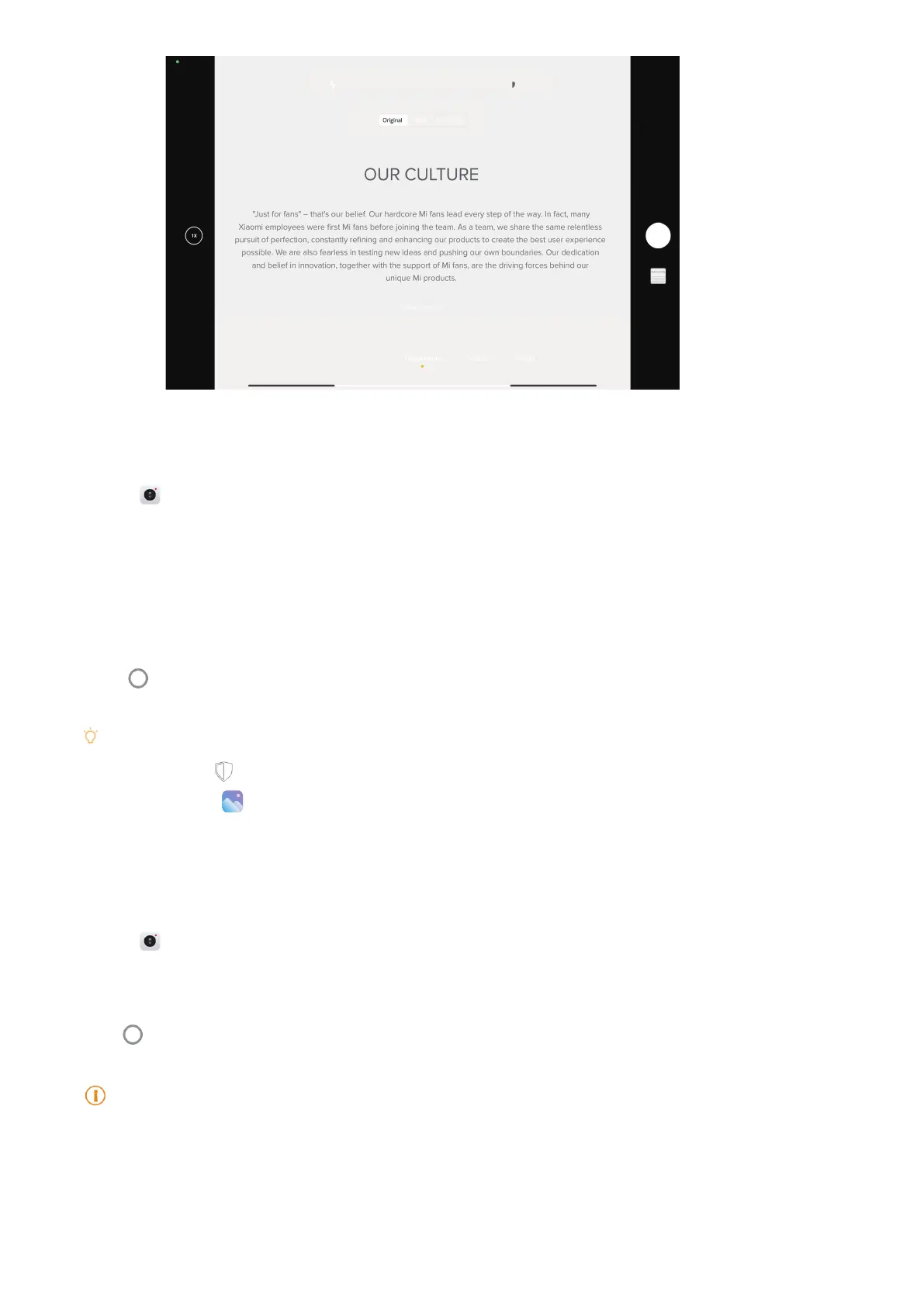
2� Select Documents mode�
3� Point camera at the subject and wait for the camera to identify the document area in the
yellow frame�
4� Tap
to take a photo�
Tip
• You can tap to edit the text of the protective watermark�
• You can go to
Gallery to view and adjust the document area�
Take photos in Night mode
Night mode captures more details and brightens your photos in low-light conditions�
1� Open
Camera�
2� Select Night�
3� Tap
�
Note
Some models support to take videos in Night mode�
Take videos in Short video mode
You can apply dierent eects to take a short video for 1 to 15 seconds.



 To Next Page