16
• Slide three ngers down to take a screenshot. See Enable Take a screenshot shortcut for
more information�
• Swipe down from the status bar to open the Control center and tap
Screenshot to take
a screenshot�
Enable Take a screenshot shortcut
When you enable the feature, you can slide 3 ngers down on the screen or press the Volume
down button and Power button simultaneously to take a screenshot�
1� Go to
Settings > Additional settings > Gesture shortcuts > Take a screenshot�
2� Choose to enable take a screenshot shortcut�
• Tap
to enable Slide 3 ingers down�
• Tap
to enable Volume down + Power�
Take a partial screenshot
You can adjust the coverage and choose a shape when you take a partial screen- shot on the
screen�
Before you can use the feature, you need to enable the shortcut� See Enable Partial screenshot
shortcut for more information�
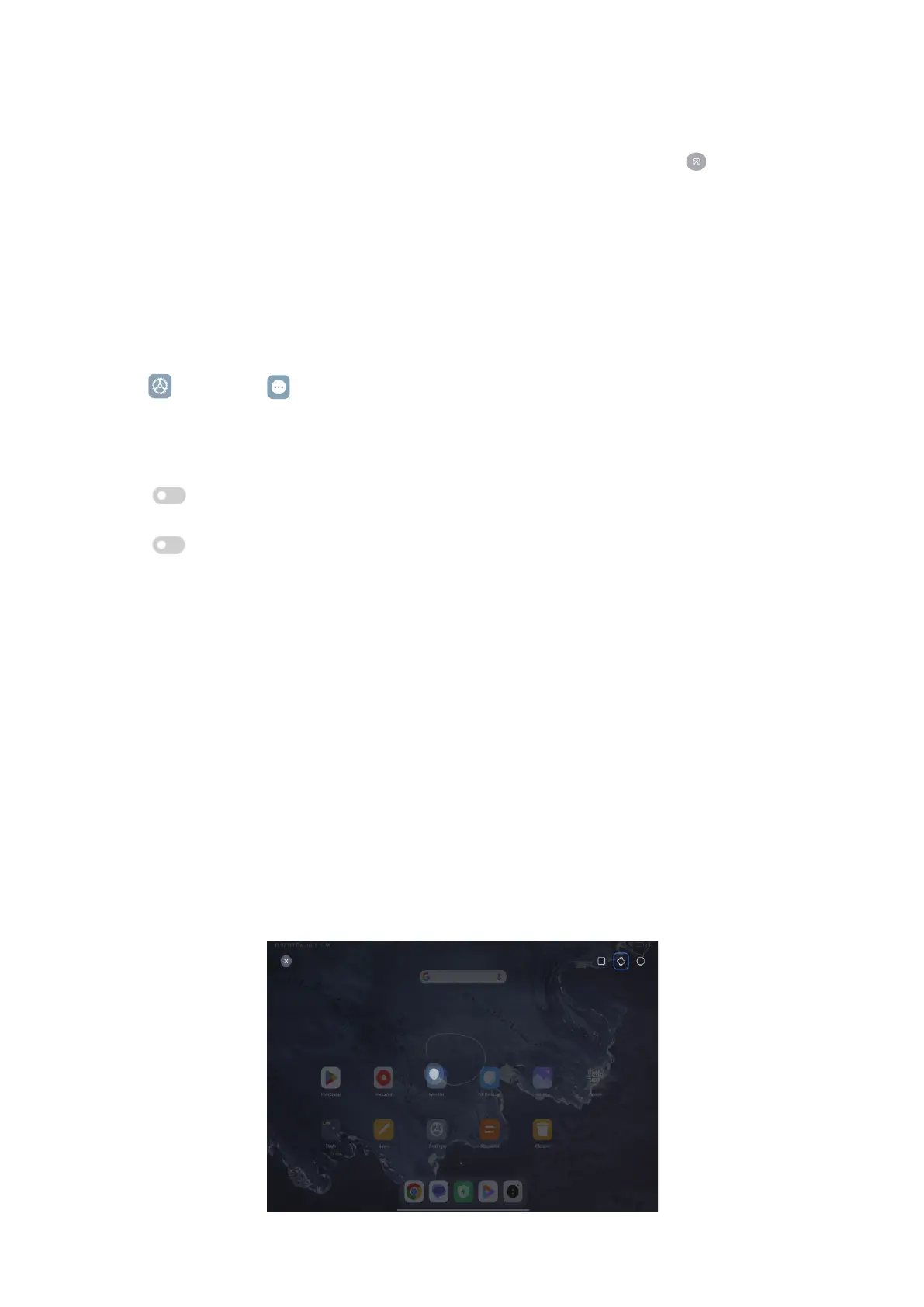
1. Press and hold with three ngers on the screen.
2� Choose a shape at the upper-right corner of the tablet�
3� Move with one finger to draw the coverage�



 To Next Page