23
Note
Screen brightness is optimized according to ambient light� You can still make minor adjustments manually�
Tip
You can also swipe down from the upper-right corner of the tablet to enable
Automatic brightness on
the Control center�
Adjust screen brightness level manually
You can adjust the brightness level to make the tablet dimmer or brighter�
1� Go to
Settings > Display > Brightness level�
2� Drag the slider of Screen brightness to adjust the screen brightness manually�
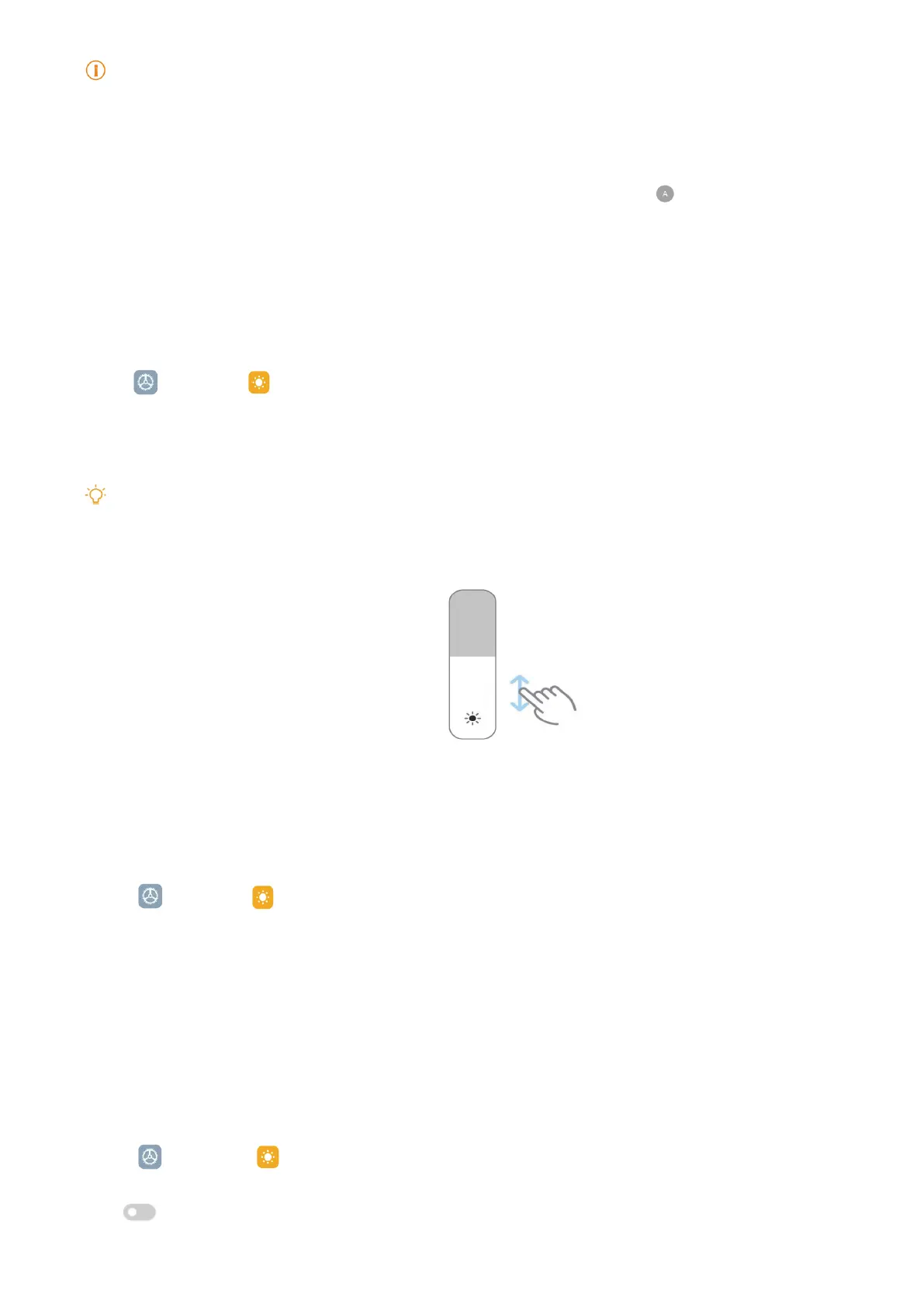
Tip
You can also swipe down from the upper-right corner of the tablet to drag the slider in the brightness level
bar on the Control center�
Choose a color scheme
You can adjust the color of the screen�
1� Go to
Settings > Display > Color scheme�
2� Select a color scheme from Vivid, Saturated, Original color PRO, or Advanced settings
for more color scheme options�
Enable Adaptive colors
Adaptive colors adjust colors to ambient light�
1� Go to
Settings > Display > Color scheme�
2� Tap
to enable Adaptive colors�



 To Next Page