54
2� Tap
to enable Tap to take a photo�
Customize the camera
You can change the camera layout, color, and sound�
1� Open Camera settings�
2� Tap Customize to choose customized types�
• Tap Feature Layout to rearrange the icons on both camera start screen and More features
screen�
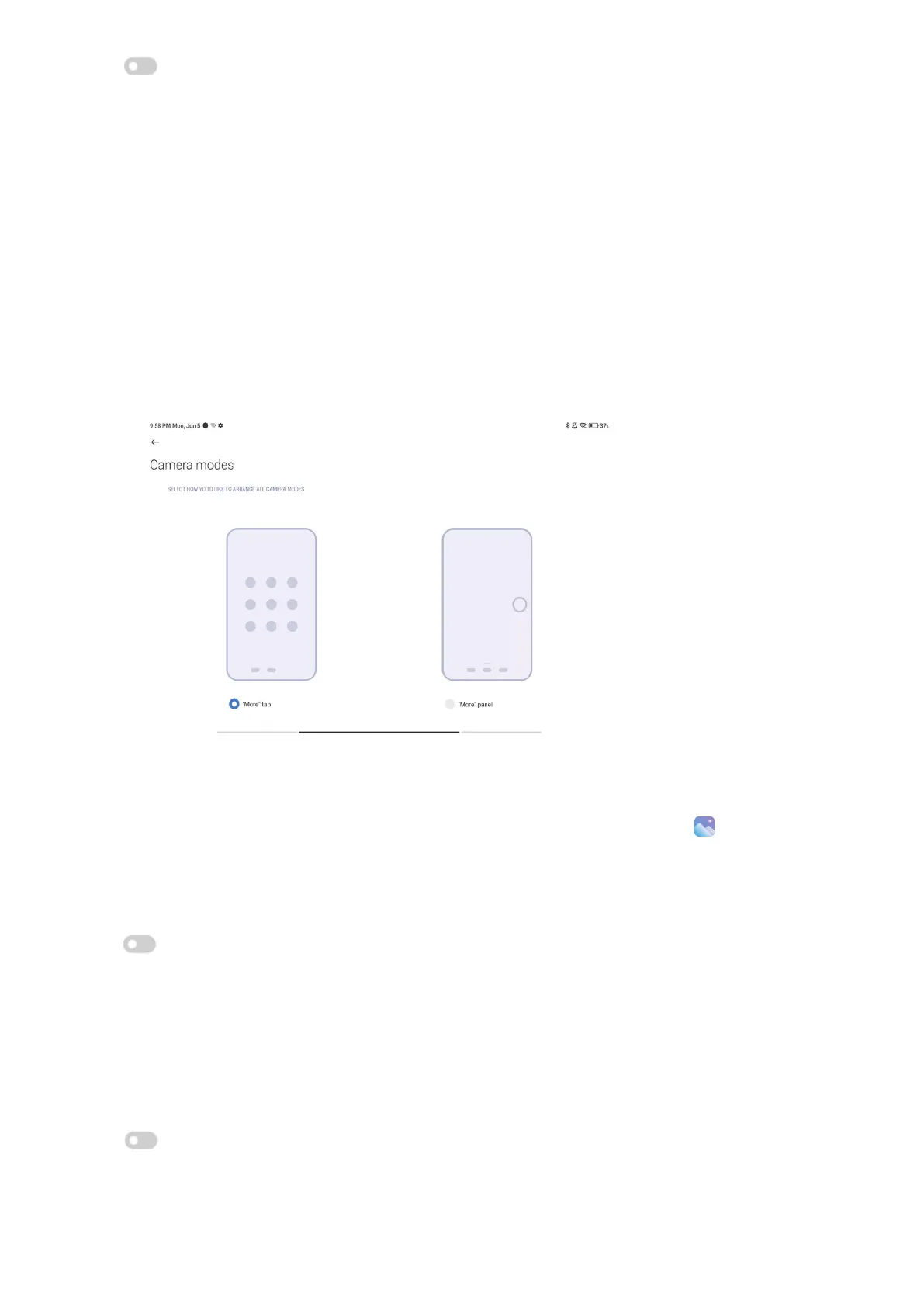
• Tap Camera modes to select the More tab or More panel�
Save location info
The location information is saved when you take a photo� You can go to
Gallery to view
location info in the photo details�
1� Open Camera settings�
2� Tap
to enable Save location info�
Enable the shutter sound
The camera makes a sound when you tap the shutter�
1� Open Camera settings�
2� Tap
to enable Shutter sound� The feature is usually enabled by default�
Preserve settings



 To Next Page