NetDisk User Manual Network Direct Attached Storage / NDAS
—————————————————————————————————————————————
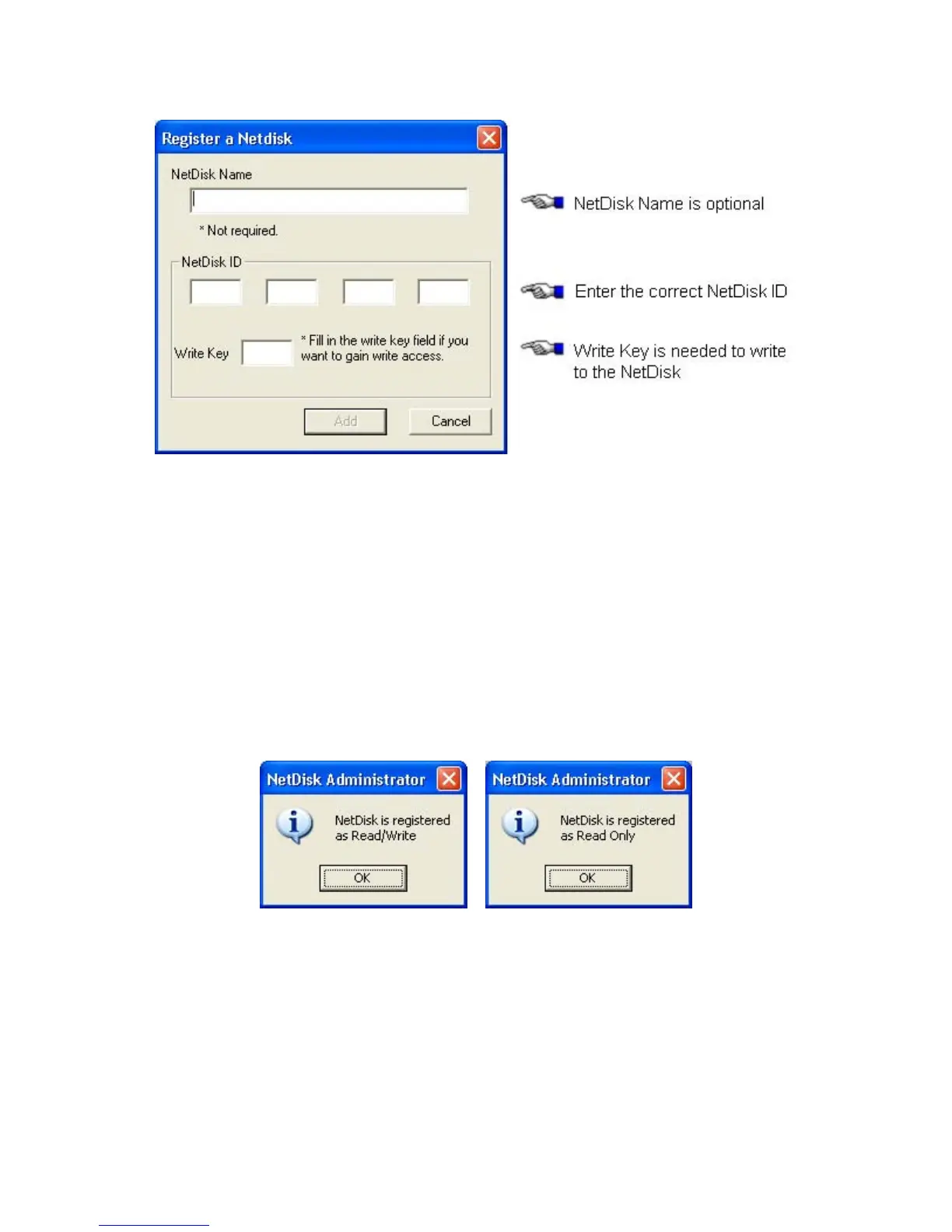
- Click Add.
NetDisk Administrator. •
- Confirms the NetDisk you just registered.
- If the Write Key was entered in the previous step, the NetDisk is registered as Read / Write Mode.
- If the Write Key was not entered in the previous step, the NetDisk is registered as Read Only
Mode.
Read/Write Mode Read Only Mode
Found New Hardware Wizard. •
- This window may or may not appear.
- If the window appears, follow the instructions and install the new NetDisk.
www.XIMETA.de
—————————————————————————————————————————————
13



 To Next Page