NetDisk User Manual Network Direct Attached Storage / NDAS
—————————————————————————————————————————————
Uninstalling NetDisk
NetDisk Uninstall
Before you can uninstall a NetDisk, you must close all applications using the NetDisk. NetDisk Administrator,
NetDisk Aggregation & Mirroring, Windows Explorer and Internet Explorer must also be closed.
There are two different ways in which you can uninstall NetDisk.
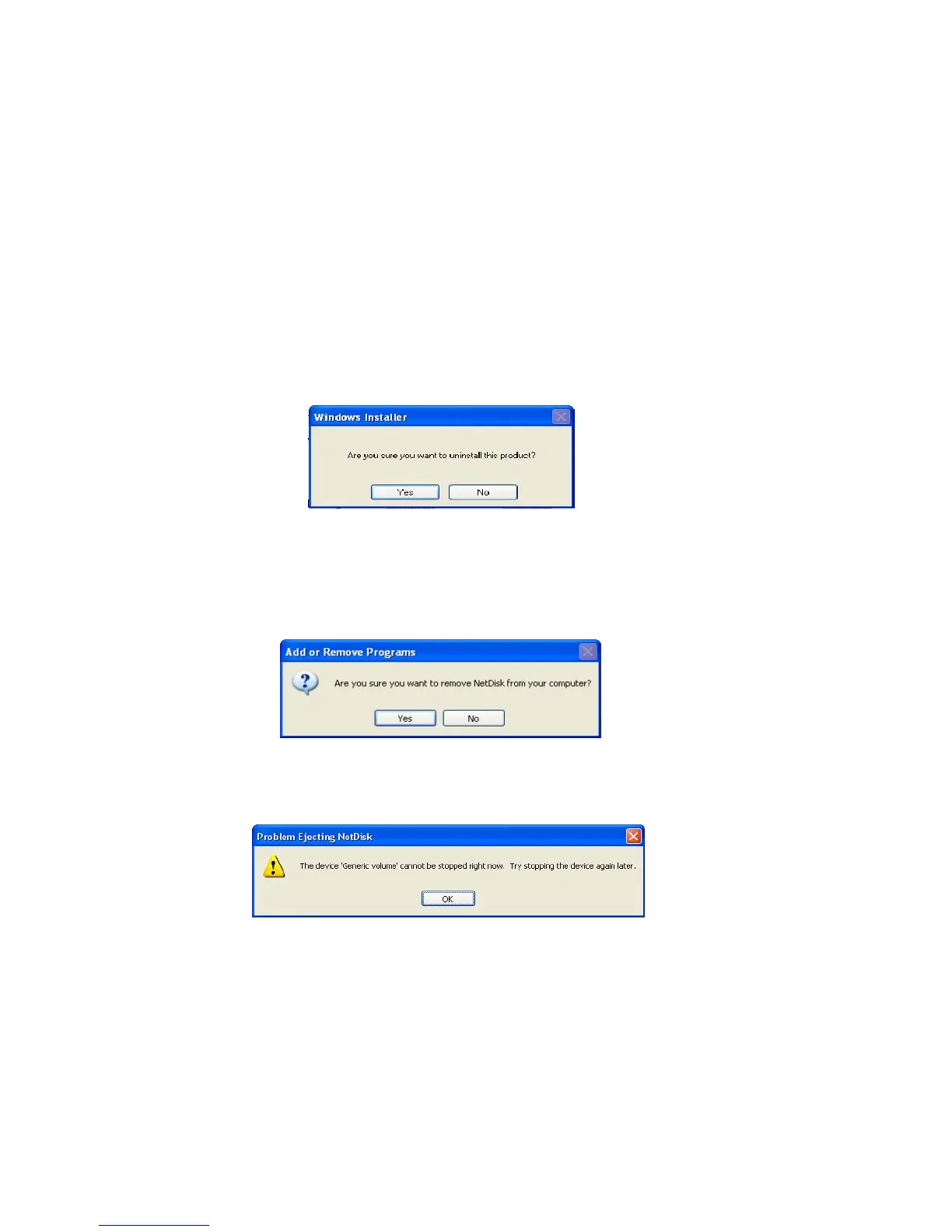
• Click Start > All > NetDisk > Uninstall NetDisk.
- Windows Installer will appear. Click Yes if you want to continue uninstall. Otherwise click No.
• Click Start > Control Panel > Add or Remove Programs > NetDisk > Remove
- Add or Remove Programs will appear. Click Yes if you want to continue uninstall. Otherwise,
click No.
Problem Ejecting NetDisk appears when applications are using the NetDisk you are trying to remove.
Click OK and try removing NetDisk after applications have been closed.
•
Restart computer after removing the NetDisk.
www.XIMETA.de
—————————————————————————————————————————————
44



 To Next Page