NetDisk User Manual Network Direct Attached Storage / NDAS
—————————————————————————————————————————————
NetDisk™ Status and Mode Indicator
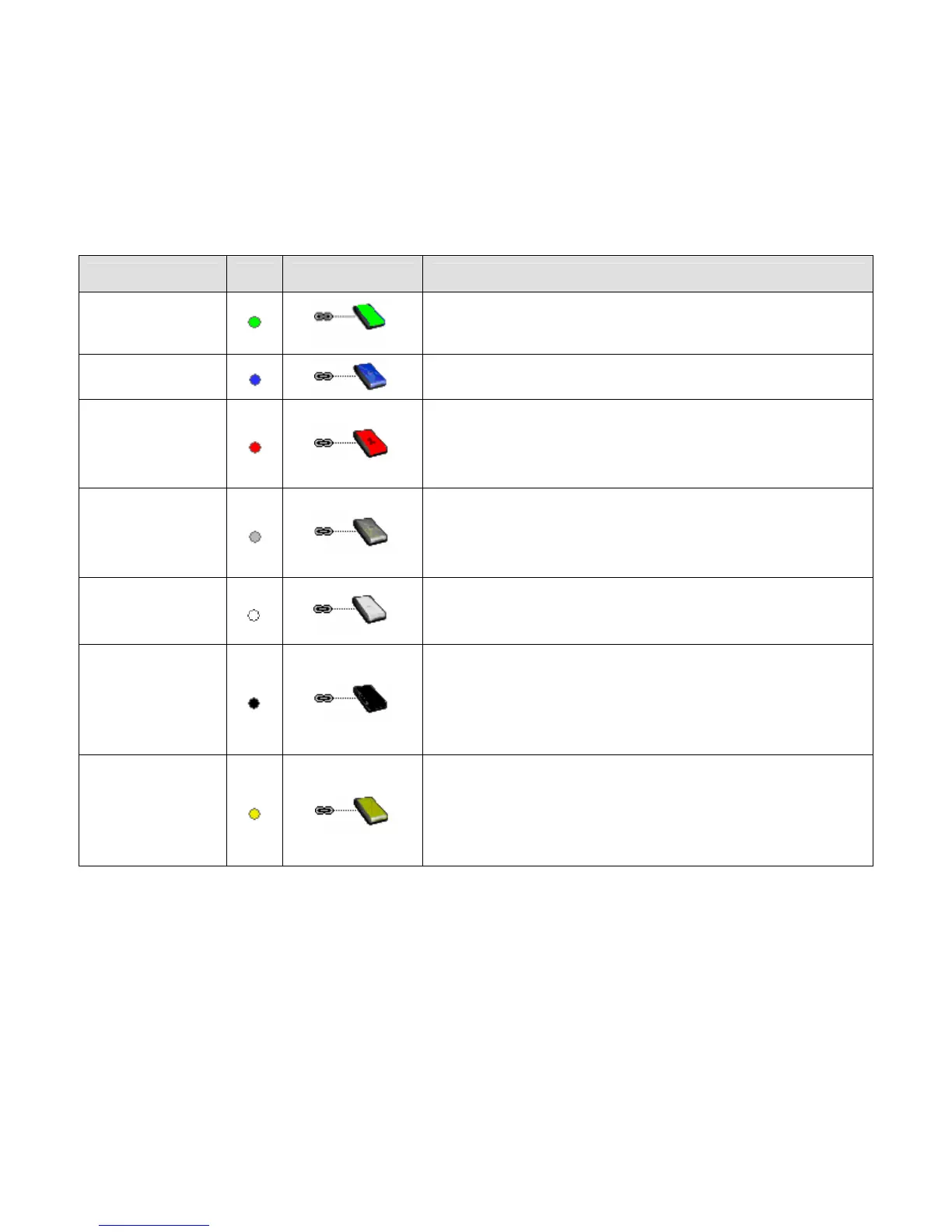
• NetDisk provides users with six basic modes.
• Below is a chart describing each of the NetDisk Modes and the icons that correspond with each mode.
NetDisk Color Icon NetDisk Icon Mode/Meaning
Green
Read Only Mode
• Users can only read from NetDisk.
Blue
Read / Write Mode
• Users can read and write to and from NetDisk.
Red
Unrecognized Mode
• NetDisk cannot be used.
• You can only remove this NetDisk from your
computer or view its property.
Gray
Disabled Mode
• Disabled from your computer
• NetDisk can be enabled back to Read/Write Mode
or removed from the PC.
White
Busy Mode
• NetDisk is busy performing a task or an
application is using NetDisk.
Black
Disconnected Mode
• Not connected to the network.
• Power Cord, Ethernet Cord or USB Cord is
unplugged. Once the cord is connected, you can
resume NetDisk use.
Yellow
Slave Mode
• Slave disk used for aggregation and mirroring
only.
• You can only remove it from your computer or
view its property.
www.XIMETA.de
—————————————————————————————————————————————
18



 To Next Page