NetDisk User Manual Network Direct Attached Storage / NDAS
—————————————————————————————————————————————
NetDisk Functions
Click NetDisk™ Administrator Tool and place the cursor on a NetDisk to view its functions. Each
NetDisk has its own functions that can be performed, click on the function you want to perform:
Disable
Edit Name
Enable Read Only
Enable Read/Write
Property
Refresh
Remove
Disable - Disables writing and reading to and from NetDisk. •
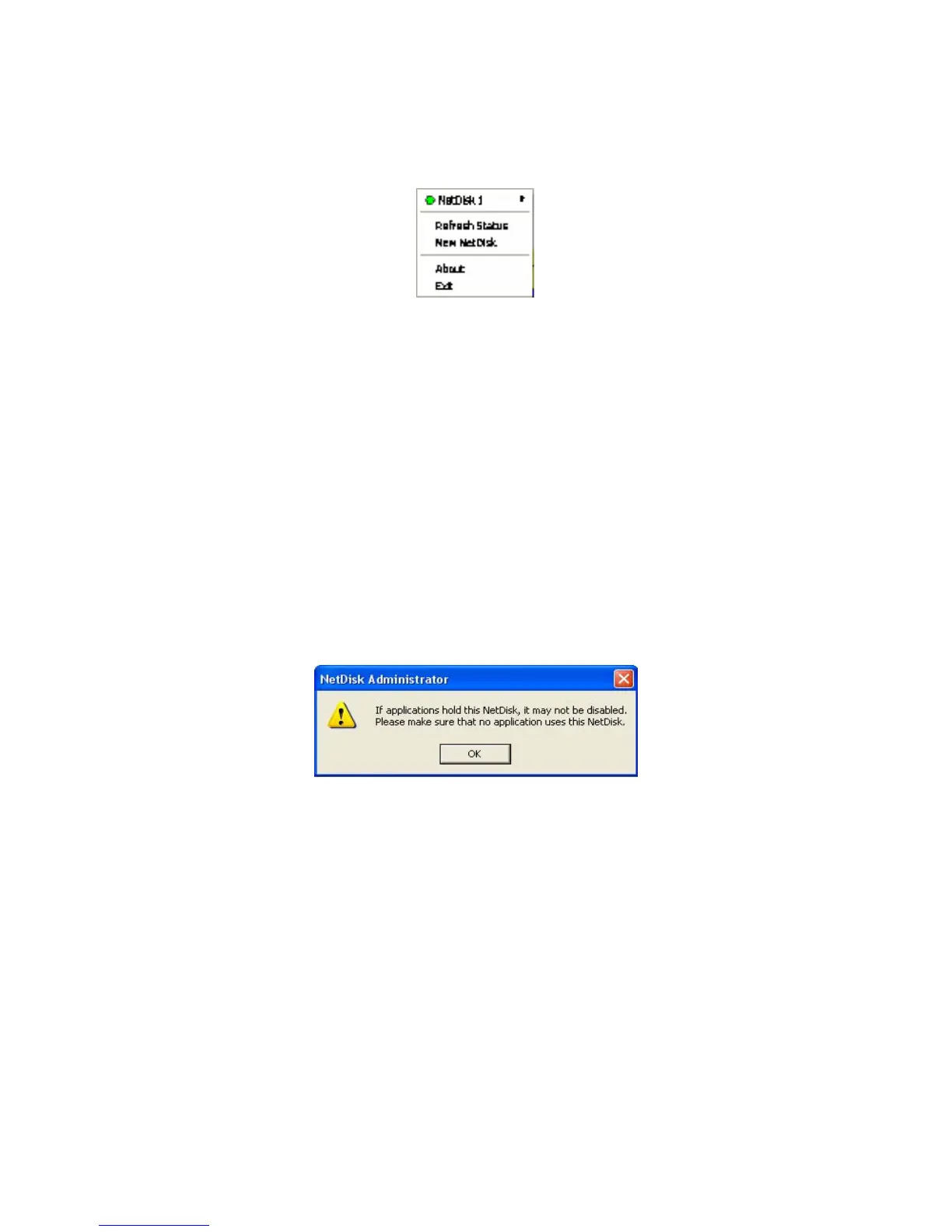
- When you select Disable, a warning window will appear. If you want to disable NetDisk click OK.
Otherwise, click Cancel.
- If NetDisk is being used by any application, NetDisk will not disable. Wait until applications are
finished using NetDisk. Then try disabling it again.
- If you still cannot disable after several attempts, reboot your computer. This may occur when
unknown programs are still using NetDisk.
• Edit Name – Changes the name of the NetDisk.
- Type in the new name for the NetDisk on Edit a NetDisk window then click OK. If you do not
want to change the name of the NetDisk, simply click Cancel.
www.XIMETA.de
—————————————————————————————————————————————
23



 To Next Page