NetDisk User Manual Network Direct Attached Storage / NDAS
—————————————————————————————————————————————
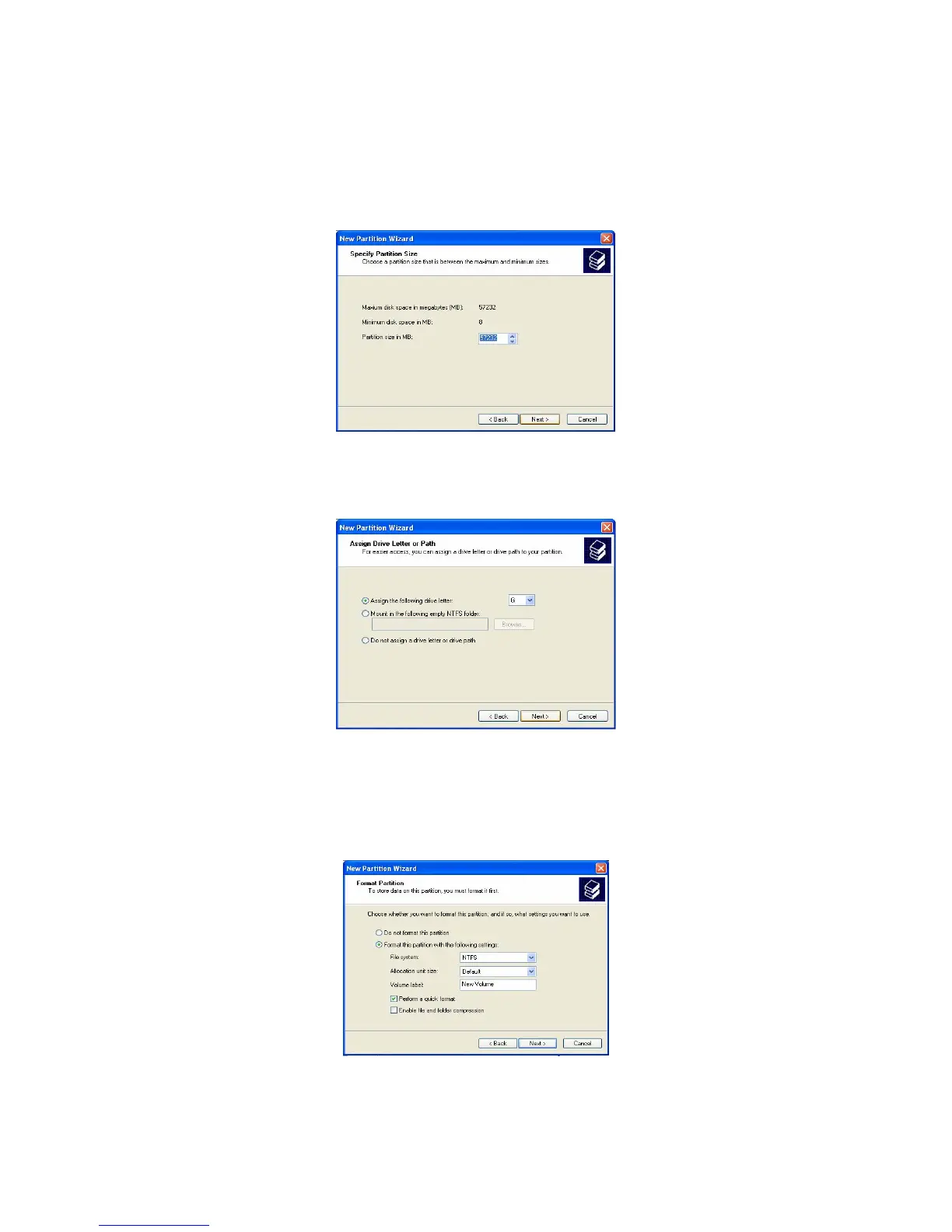
Specify Partition Size: Click Next. •
- The partition size is automatically set. Do not change the size.
Assign Drive Letter or Path: Select Assign the following driver letter and choose a name for the
drive from list. Then click Next.
•
Format Partition: Select Format this partition with the following Settings and perform a quick format
(Recommended).
•
- Click next.
www.XIMETA.de
—————————————————————————————————————————————
42



 To Next Page