NetDisk User Manual Network Direct Attached Storage / NDAS
—————————————————————————————————————————————
Package Contents
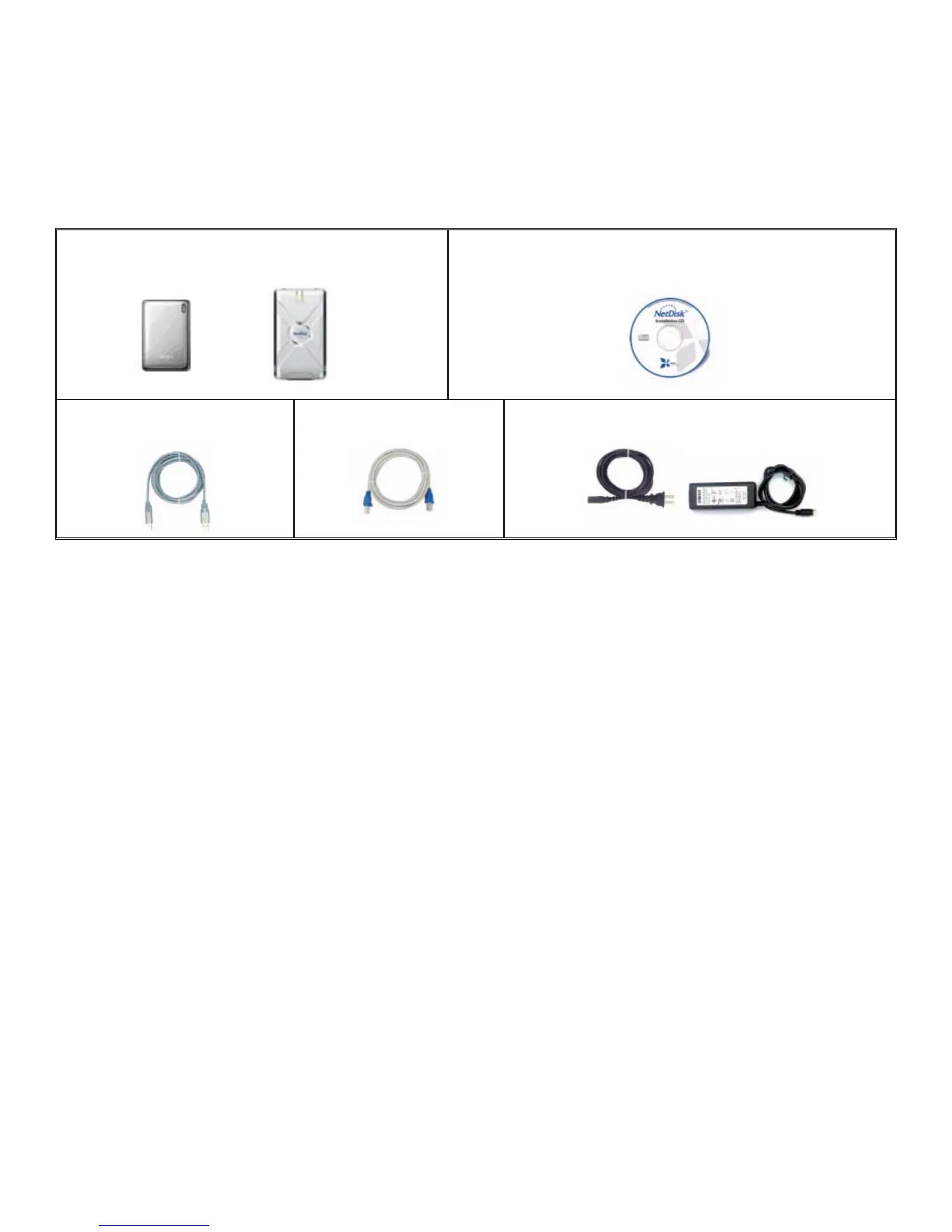
The following items are included in the NetDisk / NetDisk Mini package:
NetDisk Mini NetDisk
or
Software Installation CD
Ethernet Cable
USB Cable
Power Adapter and Power Cord
NetDisk and NetDisk Mini Modes
NDAS Mode •
•
•
In NDAS Mode, NetDisk / NetDisk Mini is directly attached to a 100MB/ Full Duplex Fast Ethernet
Switch or Wireless Access Point. Each user on the network can use NetDisk / NetDisk Mini as if it was
a local disk drive.
Ethernet Mode
In Ethernet Mode, NetDisk / NetDisk Mini is directly attached to a PC’s Ethernet Port using a crossover
CAT5 cable, without the need of a switch.
USB 2.0 Mode
In USB 2.0 Mode, NetDisk / NetDisk Mini is directly attached to a PC’s USB 2.0 Port.
In addition, each user can enjoy all of the advanced NDAS features such as aggregation, back-up, mirroring and
flexible expansion
www.XIMETA.de
—————————————————————————————————————————————
6



 To Next Page