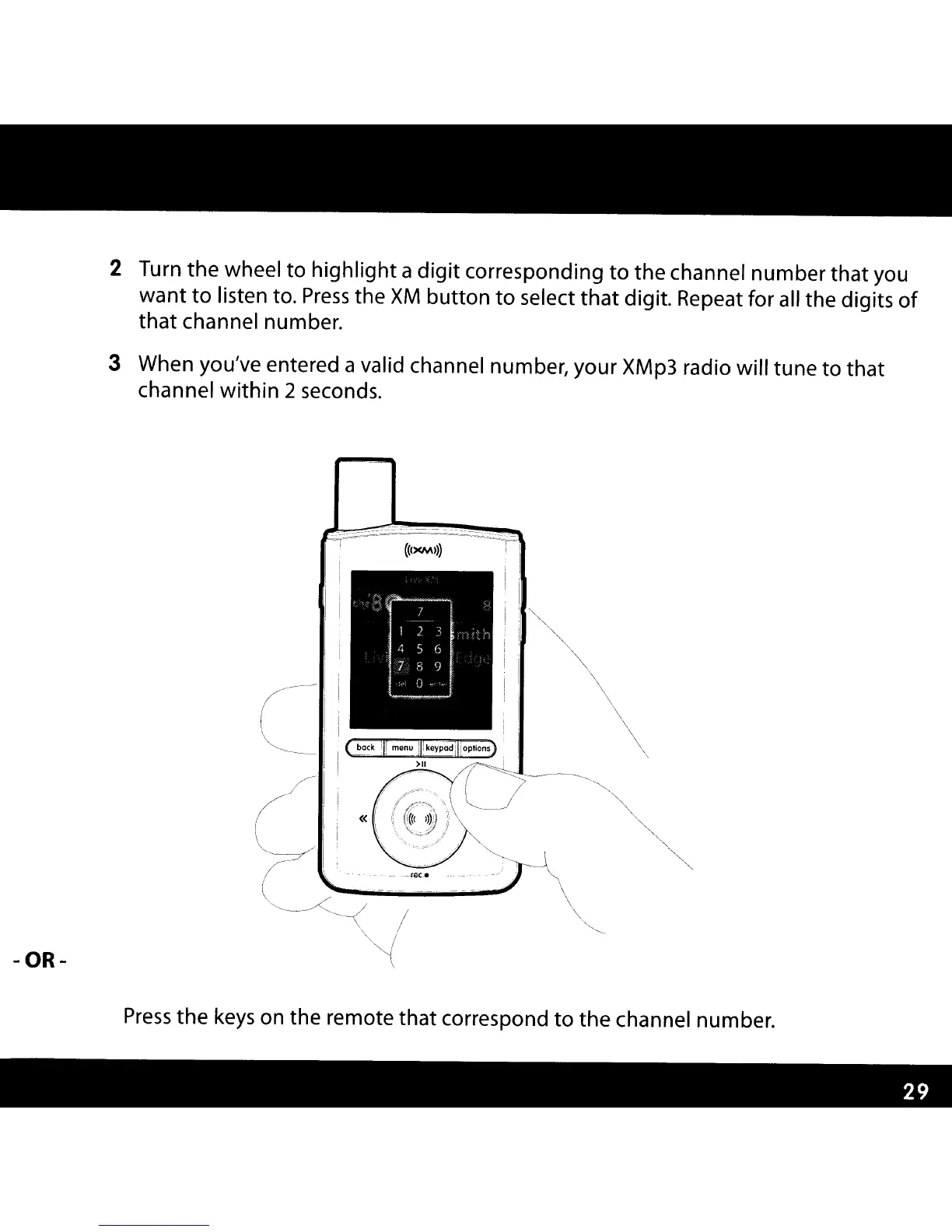
2 Turn the wheel to highlight a
digit
corresponding
to
the channel number that you
want
to
listen to.
Press
the
XM
button
to
select
that
digit. Repeat for all the digits
of
that channel number.
3 When you/ve entered a valid channel number
l
your XMp3 radio will tune
to
that
channel within 2 seconds.
«
(/
'-----/
(
--
,
..
-.
- --
...
_""'.
_. - _
..
~
--_.
-OR-
Press
the
keys
on the remote that correspond
to
the
channel number.



 To Next Page