Program Guide
To
see
what
will
be
playing on a particular channel:
While listening
to
live
XM,
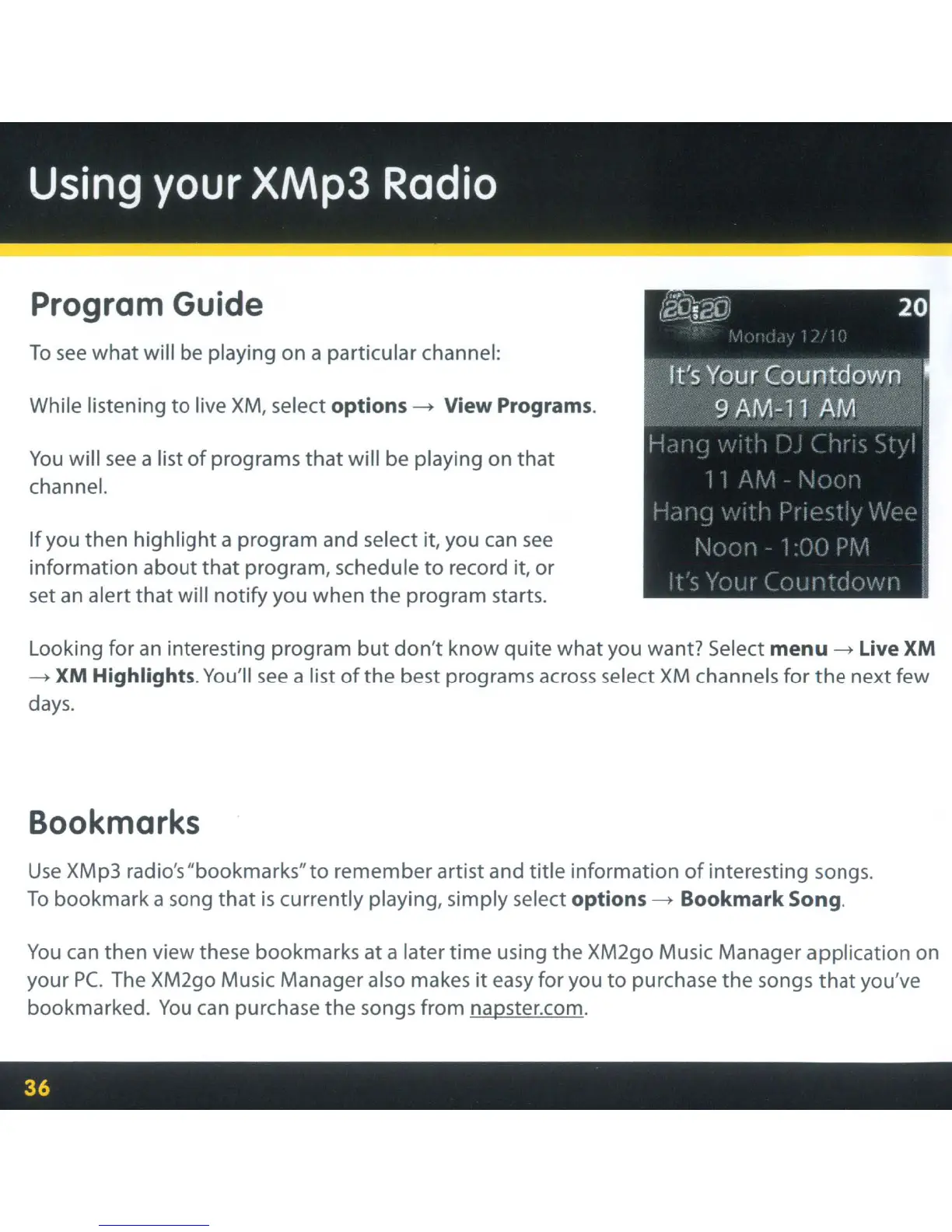
select options - View Programs.
You
will
see
a list
of
programs
that
will be playing on that
channel.
If
you then highlight a program and select it, you
can
see
information about
that
program, schedule
to
record it, or
set
an
alert that will notify you when the program starts.
Looking for
an
interesting program
but
don't
know quite what you want? Select
menu
- Live XM
- XM Highlights.
You'll
see
a list
ofthe
best programs
across
select
XM
channels for
the
next few
days.
Bookmarks
Use
XMp3 radio's "bookmarks"to remember artist and title information
of
interesting songs.
To
bookmark a song that
is
currently playing, simply select options - Bookmark Song.
You
can
then view these bookmarks at a later time using the XM2go Music Manager application on
your Pc.
The
XM2go Music Manager also makes
it
easy
for you
to
purchase the songs
that
you've
bookmarked.
You
can
purchase the songs from napster.com.



 To Next Page