EasyManua.ls Logo

XM XMP3 - Restoring Factory Defaults

XM XMP3
97 pages
Print Icon
To Next Page IconTo Next Page
To Previous Page IconTo Previous Page
Loading...
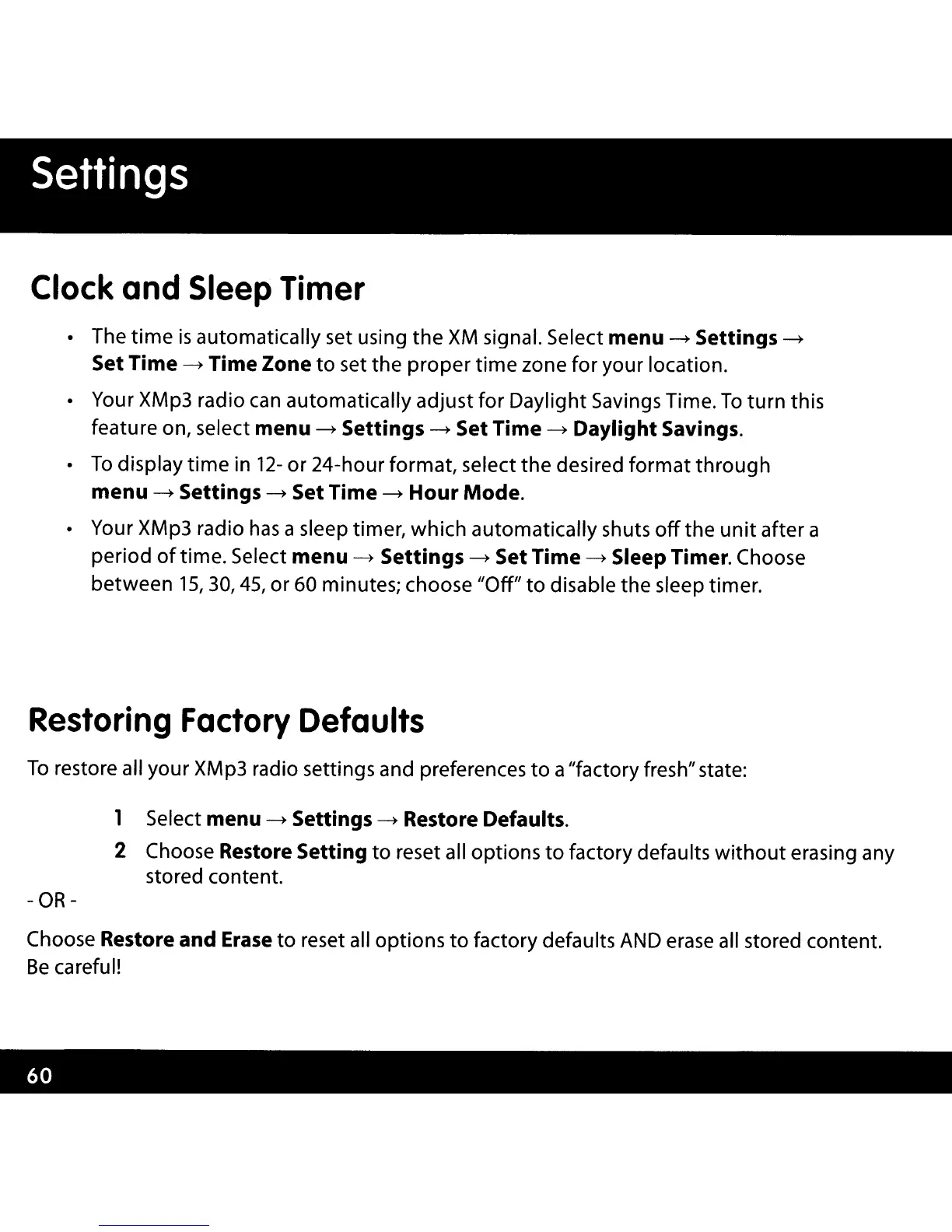
Clock
and
Sleep
Timer
The
time
is
automatically set using
the
XM
signal. Select menu
~
Settings
~
Set Time
~
Time Zone
to
set the
proper
time
zone for your location.
Your XMp3 radio
can
automatically adjust for Daylight Savings Time.
To
turn
this
featu
re
on, select menu
~
Settings
~
Set Time
~
Daylight Savings.
To
display
time
in
12-
or
24-hour format, select the desired
format
through
menu
~
Settings
~
Set Time
~
Hour
Mode.
Your XMp3 radio
has
a sleep timer, which automatically shuts
off
the
unit
after a
period
of
time. Select menu
~
Settings
~
Set Time
~
Sleep Timer. Choose
between 15,30,45,
or
60 minutes; choose "Off"
to
disable the sleep timer.
Restoring
Factory
Defaults
To
restore all your XMp3 radio settings and preferences
to
a"factory fresh" state:
1 Select menu
~
Settings
~
Restore Defaults.
2 Choose Restore Setting
to
reset all options
to
factory defaults
without
erasing any
stored content.
- OR-
Choose Restore and
Erase
to
reset all options
to
factory defaults
AND
erase
all stored content.
Be
careful!

Other manuals for XM XMP3

Related product manuals